6000 COUNTS DIGITAL MULTIMETER
9
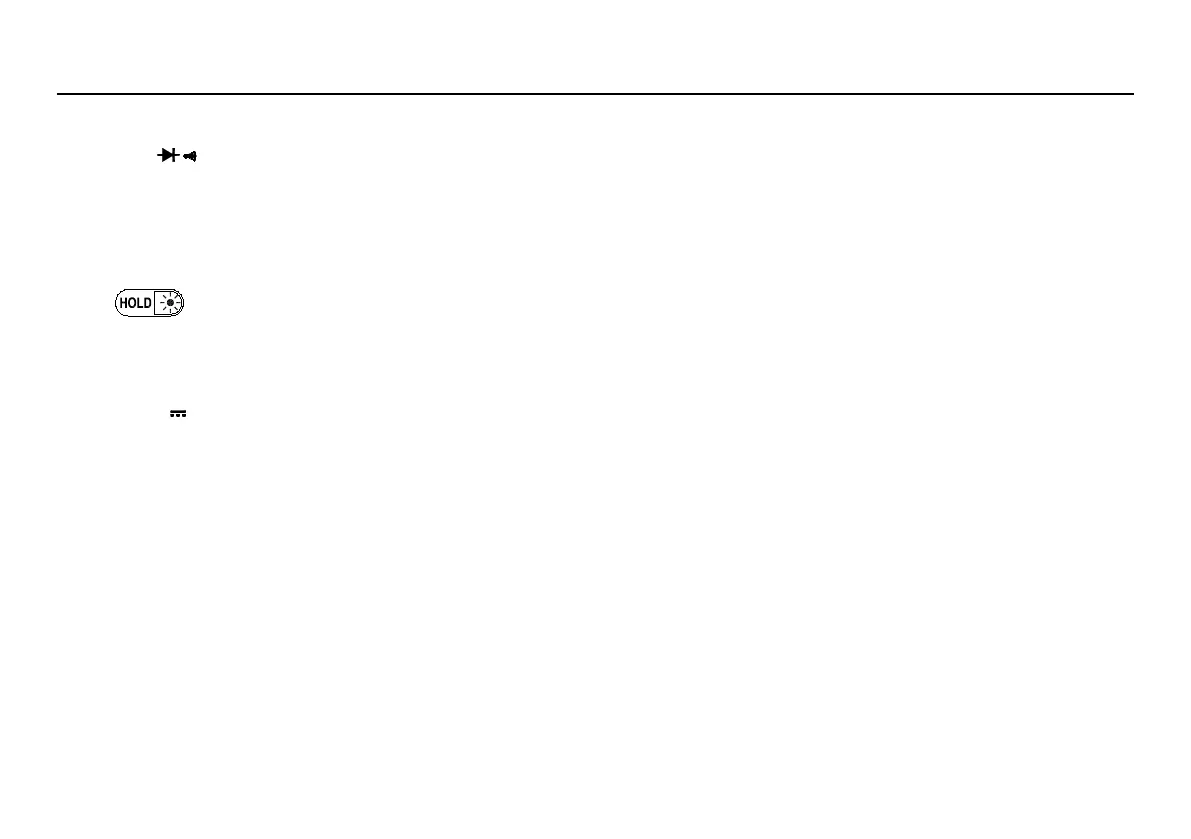
Switches between Resistance measurement, Diode Test and Continuity check.
Switches between dc and ac current.
Disables automatic power-off feature.
Press it to enter and exit the Data Hold mode. Press it and hold 2 seconds, backlight on; if press it and hold for 2
seconds again, backlight off.
1. Press RANGE to enter the manual ranging mode.
2. Press RANGE to step through the ranges available for the selected function.
3. Press and hold RANGE for 2 seconds to return to autoranging.
Press REL△ to enter and exit the Relative measurement mode. (Except Hz/Duty)
1. Press it to start the frequency counter.
2. Press it again to enter duty (load factor) mode.
3. Press it again to exit the frequency counter mode.
4. Hold down this key while turning the meter on to enter the the data transmission mode.
This key is for measuring maximum value and minimum value.
1. Press it to enter Max/Min mode.



 To Next Page