6000 COUNTS DIGITAL MULTIMETER
4
voltage pulses at the test points can damage the multimeter. Use of a TV filter will attenuate any such pulses.
* Use just one 6F22 battery, properly installed in the Meter's battery case, to power the Meter.
* Replace the battery as soon as the battery indicator (
) appears. With a low battery, the Meter might produce false
readings that can lead to electric shock and personal injury.
* Do not measure voltages above 1000V in Category III, or 600V in Category Ⅳ installations.
* When in REL mode, the “REL” symbol is displayed. Caution must be used because hazardous voltage may be
* Do not operate the Meter with the case (or part of the case) removed.
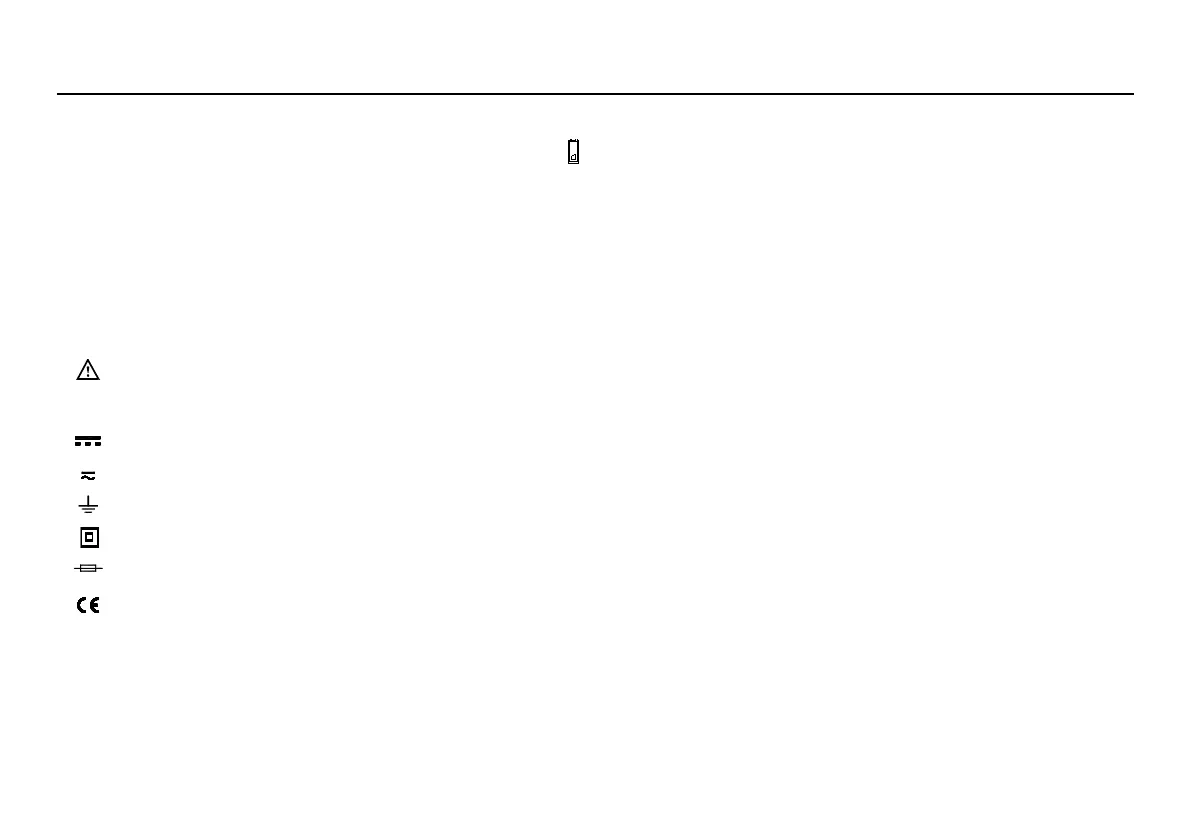
Symbols used in this manual and on the instrument:
Caution: refer to the instruction manual. Incorrect use may result in damage to the device or its
AC (Alternating Current)
DC (Direct Current)
AC or DC
Double insulated
Fuse
Conforms to European Union directives
1.3 Instructions
* Remove test leads from the Meter before opening the Meter case or battery cover.
* When servicing the Meter, use only specified replacement parts.
* Before opening up the instrument, always disconnect from all sources of electric current and make sure you are not
charged with static electricity, which may destroy internal components.
* Any adjustment, maintenance or repair work carried out on the meter while it is live should be carried out only by



 To Next Page