10
Assign a Pad to Start/Stop MMC
It can be easier to trigger a Pad to start or stop a song than to use the keyboard or mouse.
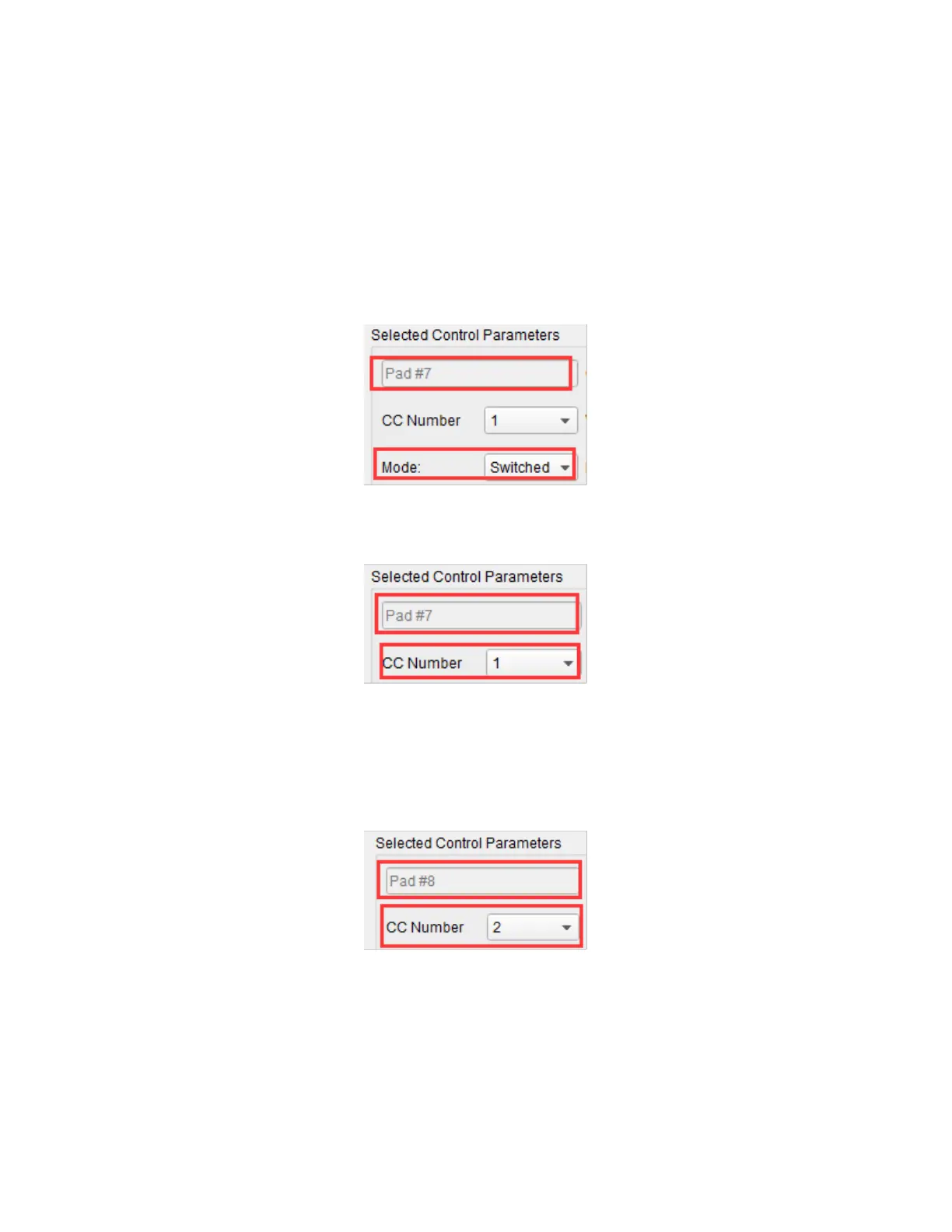
The following example sets Pad 7 to send a Stop message and Pad 8 to send a Start
message.
1. Click Pad 7 in the software to select it, then use the Mode pull down list box to set
it to Switched.
2. Use the CC Number pull down list box to set the value to 1, which is the MMC Stop
command.
3. Click Pad 8 in the software to select it, then use the Mode pull down list box to set
it to Switched.
4. Use the CC Number pull down list box to set the value to 2, which is the MMC Start
command.



 To Next Page