11
Assign Pads to Send MIDI Notes
It is natural to lay down snare and kick drum notes when starting a song. The following
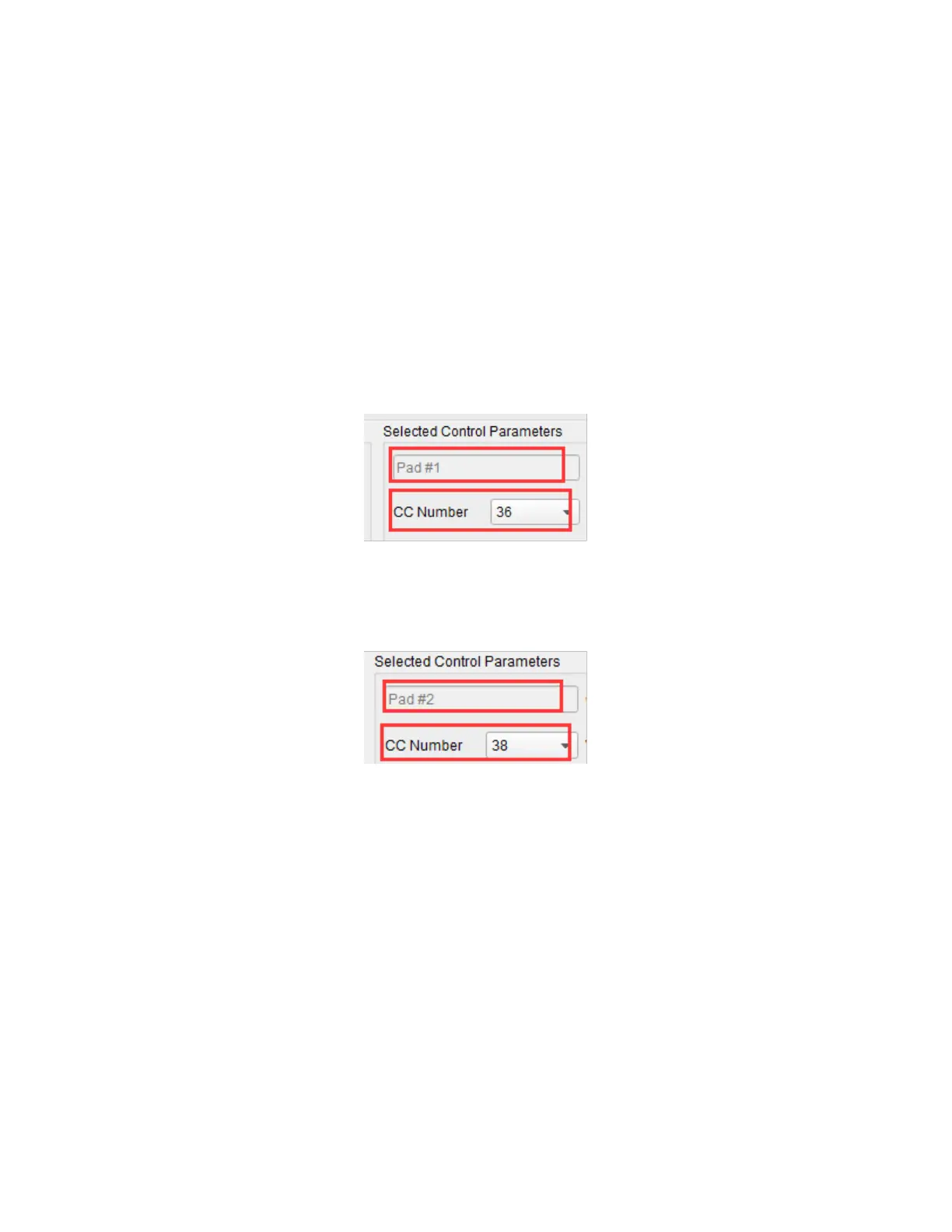
example sets Pads 1 and 2 to trigger Bass Drum and Snare Drum notes (MIDI note numbers
36 and 38 respectively).
1. Click Pad 1 to select it, then use the Mode pull down list box to set it to MIDI Note.
Use the CC Number pull down list box (which also controls the MIDI note number
when MIDI Note is selected) to 36 for the Bass Drum. Leave the other setting at the
default Gate value, which causes the note to end when the Pad is released. The
Toggle option causes the note to continue playing until the Pad is hit a second time.
2. Click Pad 2 to select it, then use the Mode pull down list box to set it to MIDI Note.
Use the CC Number pull down list box, which also controls the MIDI note number
when MIDI Note is selected, to 38 for the Snare Drum.



 To Next Page