
 Need help?
Do you have a question about the Stairmaster 10G and is the answer not in the manual?
Instructions to reduce the risk of electric shock when operating or servicing the equipment.
Guidelines to reduce the risk of personal injury during use and proper machine operation.
Identification of key warning and information labels on the console and serial plate.
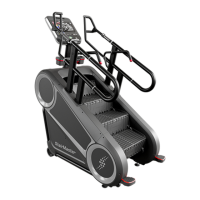
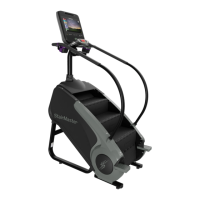
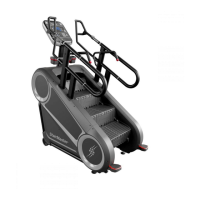
Details on unit weight, dimensions, and maximum user weight capacity for the 10G model.
Visual guide to identify major parts of the machine using lettered labels.
Explanation of console display metrics and essential button operations for LCD consoles.
Steps for pairing wireless devices like smartwatches with the console via Bluetooth.
Overview of program types like Time Goal, Distance Goal, and key functions.
Descriptions of various workout profiles including Manual, Fat Burner, Intervals, and Steady.
Explanation of touchscreen controls, quick start, stop, flag, and unit buttons.
Details on connecting smartwatches (Apple, Samsung) via Bluetooth and NFC.
Explains different display modes and available measurement data during workouts.
Guides on using Quick Start, selecting existing programs, and building custom workouts.
Details on specialized programs like Stairmaster 20 HIIT and RunTV interactive videos.
Procedure for transferring workout programs from a compatible app to the console.
Visual representation of the console's menu flow and program selection paths.
Instructions for entering and using the maintenance mode on LCD consoles.
Details on adjustable parameters, settings, and tests available in LCD maintenance mode.
Steps to enter maintenance mode on touchscreen displays and overview of options.
List of essential tools needed for performing maintenance tasks on the equipment.
Recommended daily, weekly, monthly, and bi-annual maintenance tasks for optimal performance.
Details for contacting customer support for technical assistance, parts, and service.
Information on the online portal for accessing service, warranty, and technical resources.
 General
| Type | Stepmill |
|---|---|
| Step Depth | 10 inches |
| Display Type | LCD |
| Maximum User Weight | 350 lbs |
| Step Height | 8 inches |
| Heart Rate Monitoring | Contact and wireless telemetry |
| Power Requirements | 120V, 15A |
| Dimensions | 58" L x 34" W x 89" H |
| Step Width | 22" (56 cm) |








 To Next Page
