Page 21
MAINTENANCE MODE - LCD
Maintenance Mode allows access to service and diagnostic information, as well as provides the ability to adjust
certain program default parameters. To enter Maintenance Mode:
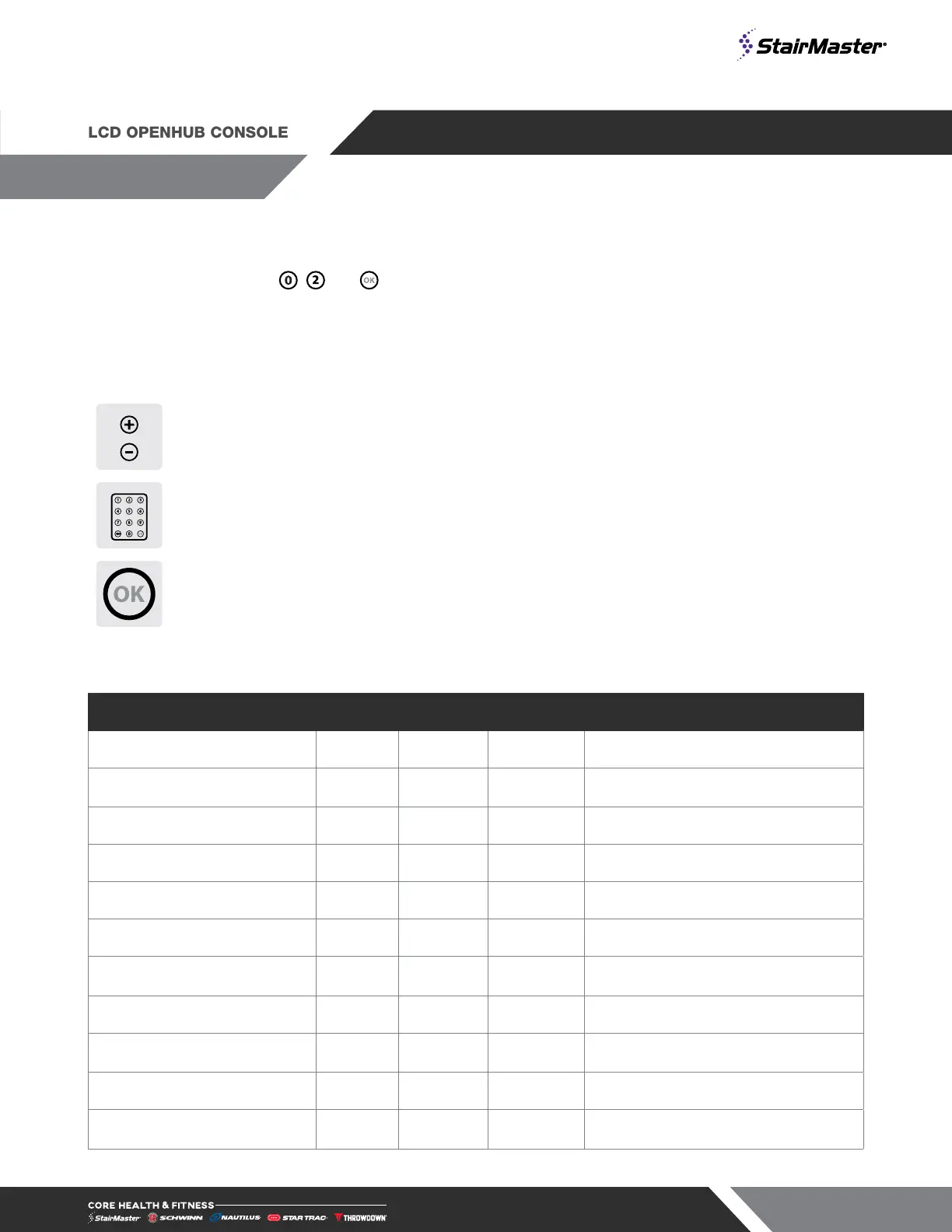
1. Press and hold the , and keys together.
2. A beep will sound and “MAINTENANCE MODE” will display momentarily in the Information Window.
3. Release all keys. “SERIAL NO #####” will display in the Information Window.
The following keys are available in MAINTENANCE MODE:
Level Keys
Increase and Decrease LEVEL Keys: Adjust the value of the
displayed parameter up and down, respectively, in increments of 1 unit.
These keys do not save the new value.
Numeric Keypad
Numeric Keypad: Allows you to enter specific values for numeric
parameters. These keys do not save the new value.
OK Key
Updates (saves) the values of all parameters in non-volatile memory,
and exits Maintenance Mode.
NOTE: To exit Maintenance Mode without saving any values or settings, press the QUICK START key.
A complete list of the items that you may display and change in Maintenance Mode:
Item Min Max Default Notes
SW VERSION 01.00 99.99 N/A Display software version (set by factory)
LCB VERSION 01.01 99.99 N/A
Load Control Board software version
(set by factory)
SERIAL # 0 65535 N/A Serial number (set by factory)
RUN HRS 0 65535 N/A Total operating hours
MAINT HRS 0 9999 N/A Total operating hours since last reset
FLOORS 0 65535 N/A Total floors climbed
UNITS (ENGLISH/METRIC) English Metric English
English = pounds, feet; Metric =
kilograms, meters
DEFAULT TIME (5-180) 5 180 120 Default time used by programs
WEIGHT (LBS) (50-350) 50 350 176
Default user weight used in calorie
calculations if not entered by user
INTENSITY (1-9) 1 9 1 Default starting level
AGE (5-99) 5 99 40
Default user age used if not entered by
user









 To Next Page