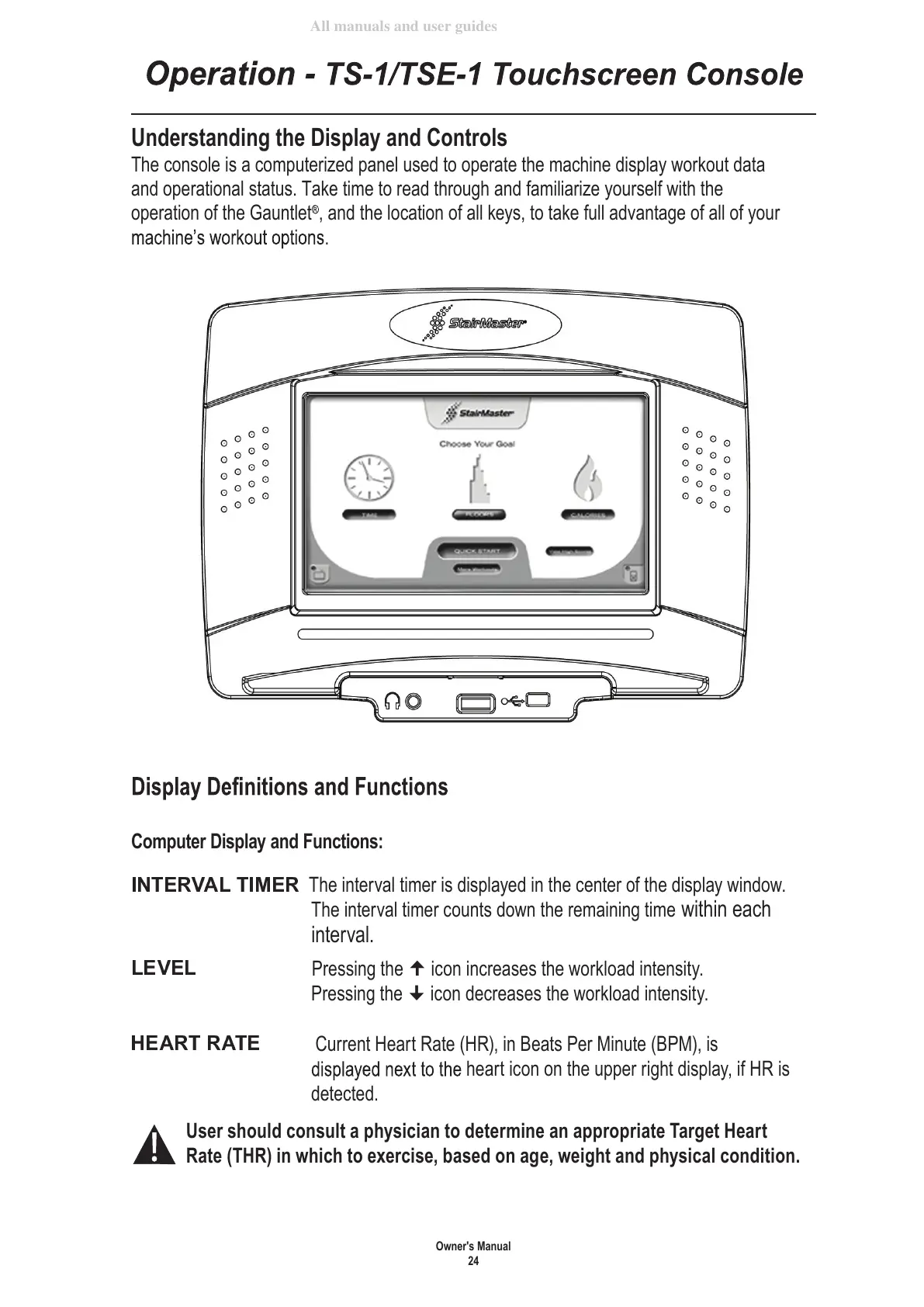
Understanding the Display and Controls
The console is a computerized panel used to operate the machine display workout data
and operational status. Take time to read through and familiarize yourself with the
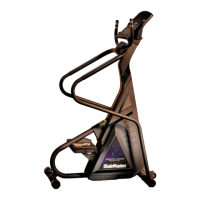
operation of the Gauntlet
, and the location of all keys, to take full advantage of all of your
Computer Display and Functions:
The interval timer is displayed in the center of the display window.
The interval timer counts down the remaining time within each
interval.
Pressing the icon increases the workload intensity.
Pressing the icon decreases the workload intensity.
Current Heart Rate (HR), in Beats Per Minute (BPM), is
heart icon on the upper right display, if HR is
detected.
User should consult a physician to determine an appropriate Target Heart
Rate (THR) in which to exercise, based on age, weight and physical condition.









 To Next Page