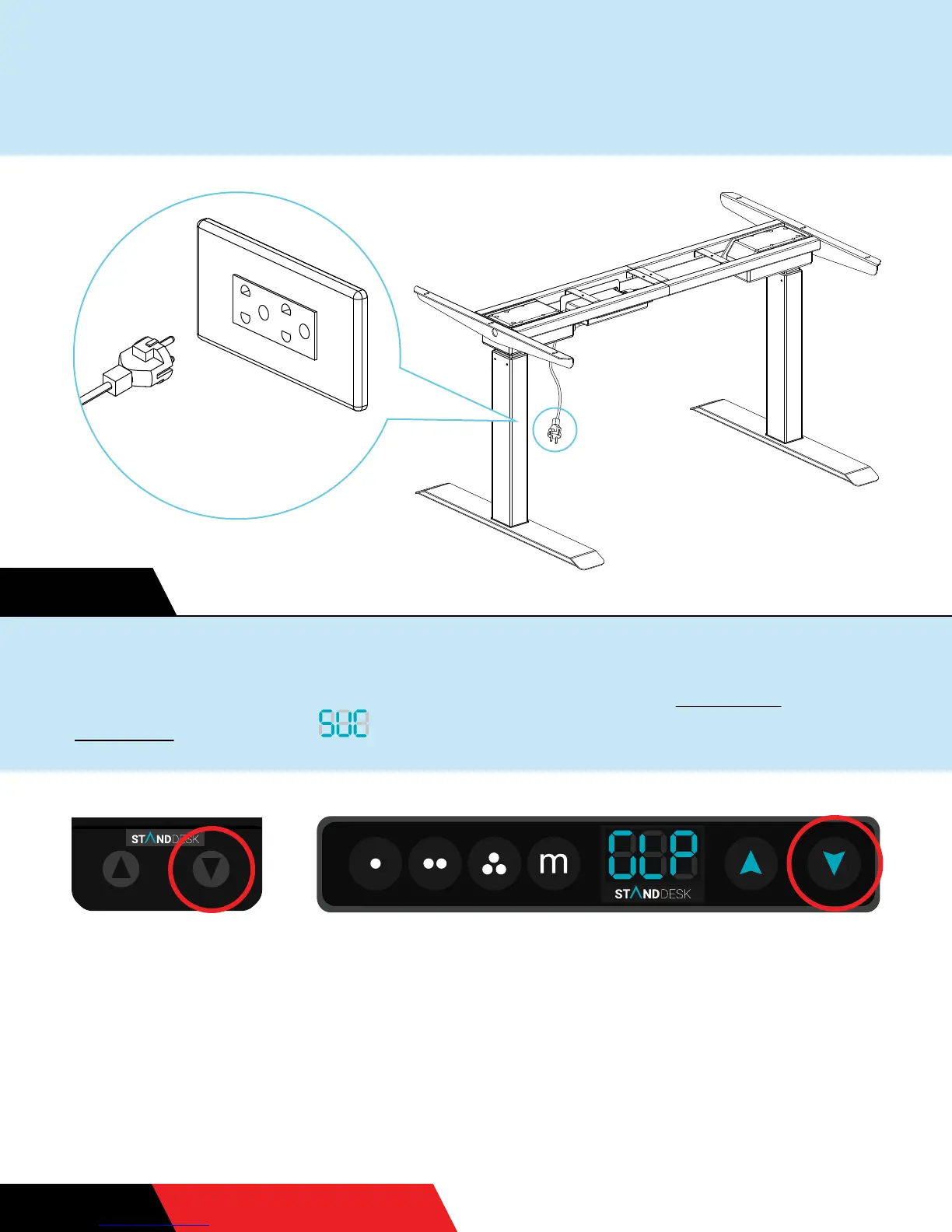
Finally, it’s time to turn the desk on by holding the down button
until it reaches the lowest position. If you have a memory
handset, it will say for SUCCESS.
We have two kinds of handsets, but the same instructions apply.
DON’T FORGETSTEP 19
A B
Yay!!! Congratulations! Time to plug it in! Be sure there are no
obstacles in the way for when the desk moves up and down.
STEP 17


 To Next Page