Section A: Output Meters
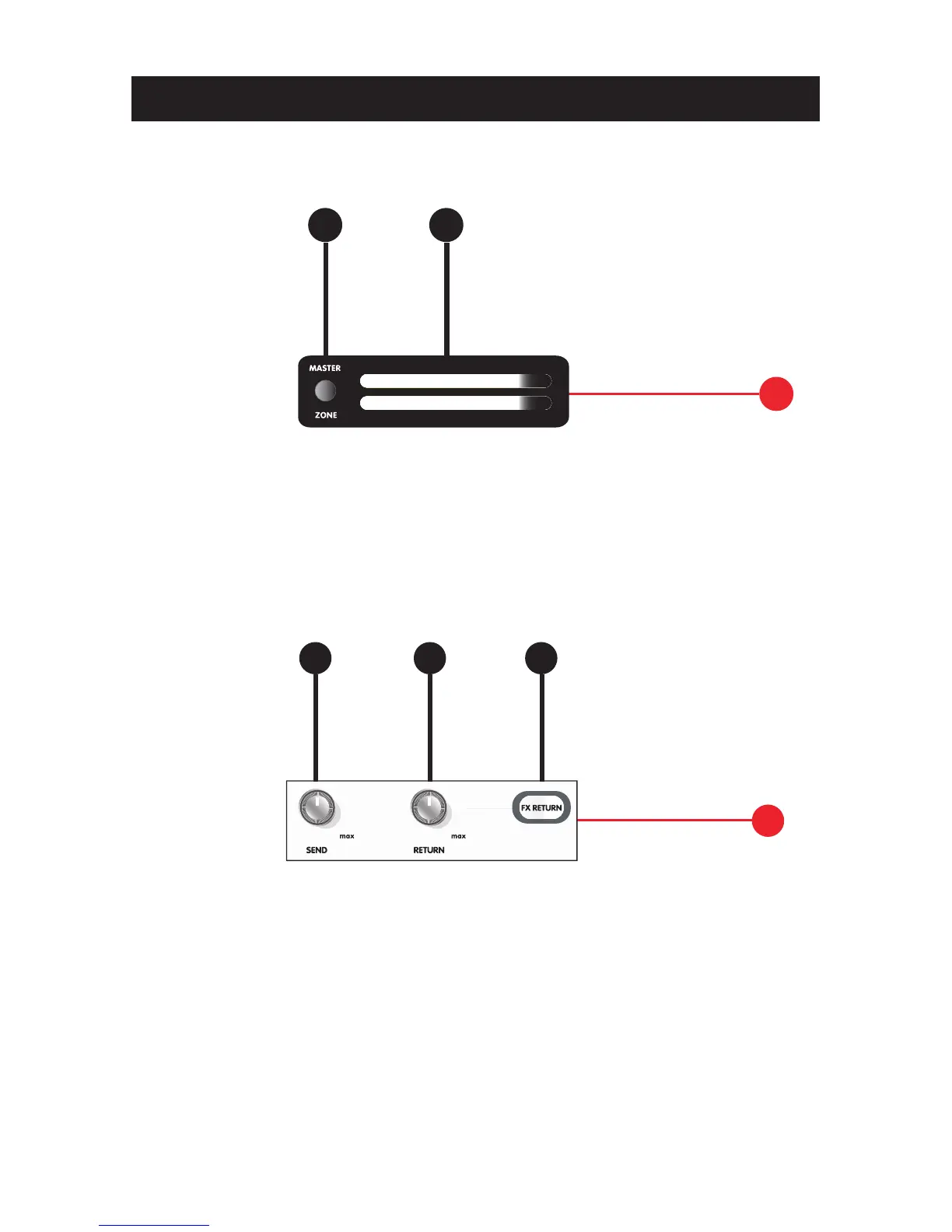
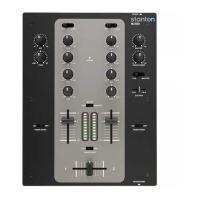
1. Meter Switch: Switches the display of the Level Meter (#2) between
Master or Zone output signals.
2. Level Meter: Displays the left and right Master or Zone output level of the
mixer. Red indicates clipping.
Section B: FX Controls
3. Send Level: Controls the output level (send volume) of the FX Loop when
a channel’s effects send (#40) is activated.
4. Return Level: Controls the input level (return volume) of the FX Loop when
a channel’s effects send (#40) is activated [external effects processor
required.]
5. FX Return: Toggles the effects loop ON / OFF. When on, the signal sent
and returned through the FX Loop will be audible through the Master Output.


 To Next Page