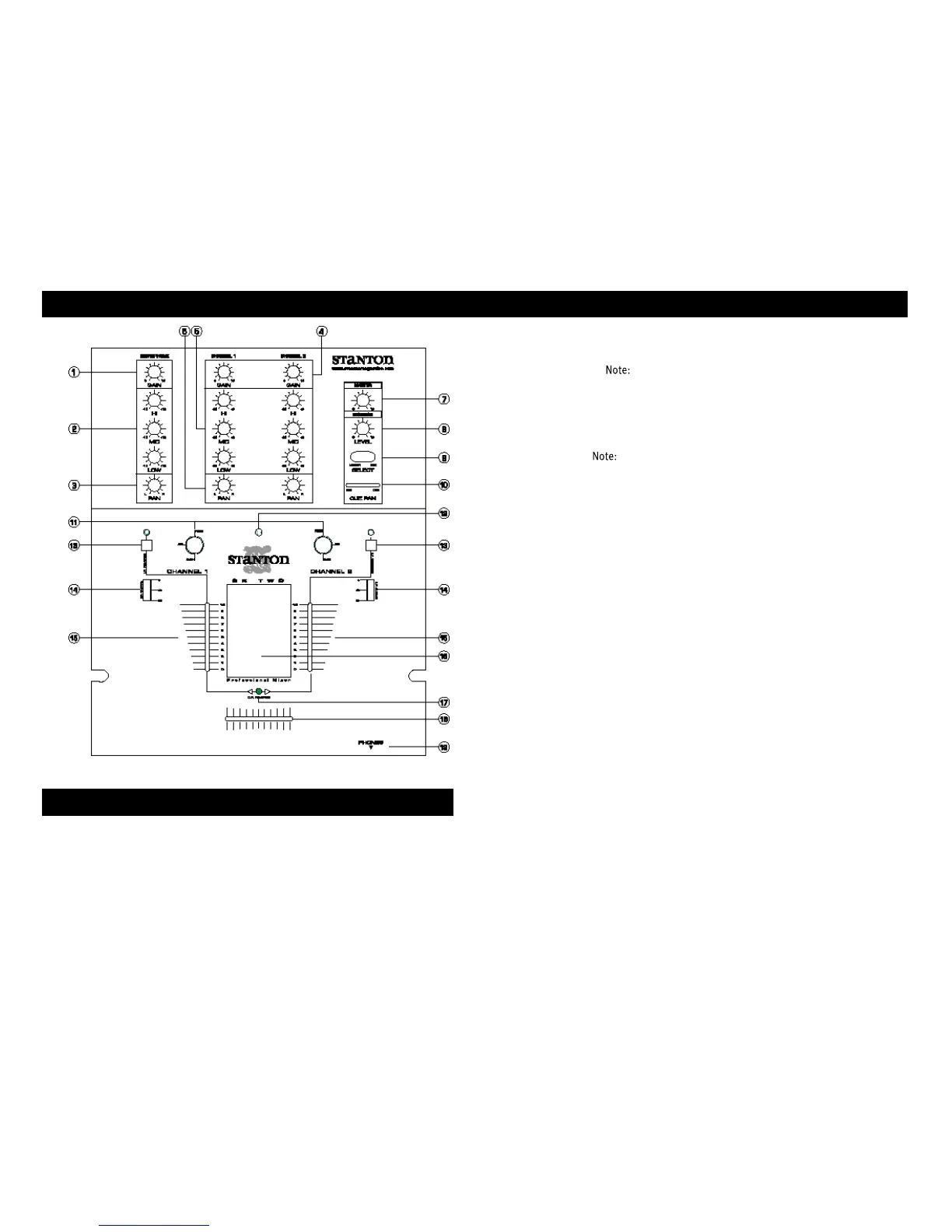
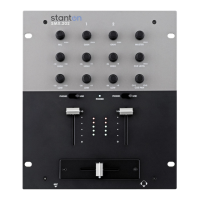
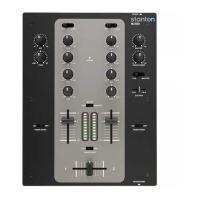
1. Mic gain control: Controls the overall microphone output level.
2. Mic EQ: Individual controls for low frequency, midrange, and high frequency equaliza-
tion with (+/-12 dB) Any changes made to EQ settings will change the overall
microphone output level.
3. Mic pan control: Controls left/right output balance of the microphone.
4. Gain control: Controls the input sensitivity of each channel.
5. EQ: Individual controls for low frequency, midrange, and high frequency equalization
with (+9/-26 dB) Any changes made to EQ settings will change the overall out-
put level.
6. Pan control: Controls left/right output balance of each channel.
7. Master level control: Controls the overall signal output level.
8. Headphone level control: Controls the overall headphone output level. It is recom-
mended headphones with an impedance rating of 200 ohms or less be used for maxi-
mum volume.
9. Cue select: In "CUE" position, the pre-selected signal of control (10) will be monitored
as a stereo signal in the headphones. In "MASTER" position, the pre-selected signal
of controls (7) and (18) will be monitored as a stereo signal in the headphones.
10. Cue pan: Fades the headphone output between channels 1 and 2, effectively allowing
the user to preview a mix.
11. Input selector switches: Selects phono or line inputs. FLASH™ position allows users
to quickly trigger the phono input.
12. Power indicator: Blue LED indicates whether mixer is ON or OFF.
13. Input Fader Reverse: Reverses the direction of each respective input channel fader.
Includes bi-color LED to indicate the status of the reverse function. When LED is
green, the fader is normal. When LED is red, the fader direction is reversed.
14. Input Fader Curve Adjustment: Adjusts the curve of the input faders between quick
(6dB), normal (20dB), or long (30dB) fade.
15. Channel fader: Controls the input channel level.
16. Input Level Meter: Monitors each channel’s input level with peak hold function
17. Crossfader Reverse LED: Bi-color LED indicates the status of the crossfader reverse
function. When LED is green, the crossfader is normal. When LED is red, the crossfader
direction is reversed.
18. Crossfader: Fades the master output between channels 1 and 2.
19. Headphone output: Connection for 1/4 inch headphone. Recommended headphone
impedance is 32-200 ohms for maximum volume.
20. Crossfader Curve adjustment: Adjusts the shape of the crossfader curve from a quick
D E S C R I P T ION OF FU N C TI O N S
S P E C I A L P R OTE K TI O N
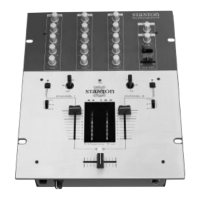
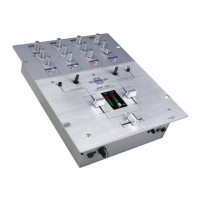
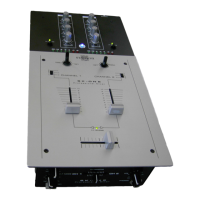
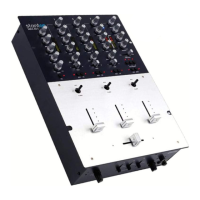
Your SK TWO comes with a special PROTEKT™ aluminum panel designed to
make the surface of the mixer is as smooth as possible while still enabling you
to field-replace key components. The PROTEKT™ panel covers all screws that
may get in the way of your performance. You can still easily remove the front
panel to replace any of the modular parts which are subject to wear and tear:
crossfader, input faders and input toggle switches.
The PROTEKT™ panel is also reversible. If you happen to scratch or blemish the
front side, just flip-it over since it is screened on both sides!


 To Next Page