12 STAR TRAC PRO STEPPER O
WNER
’
S
M
ANUAL
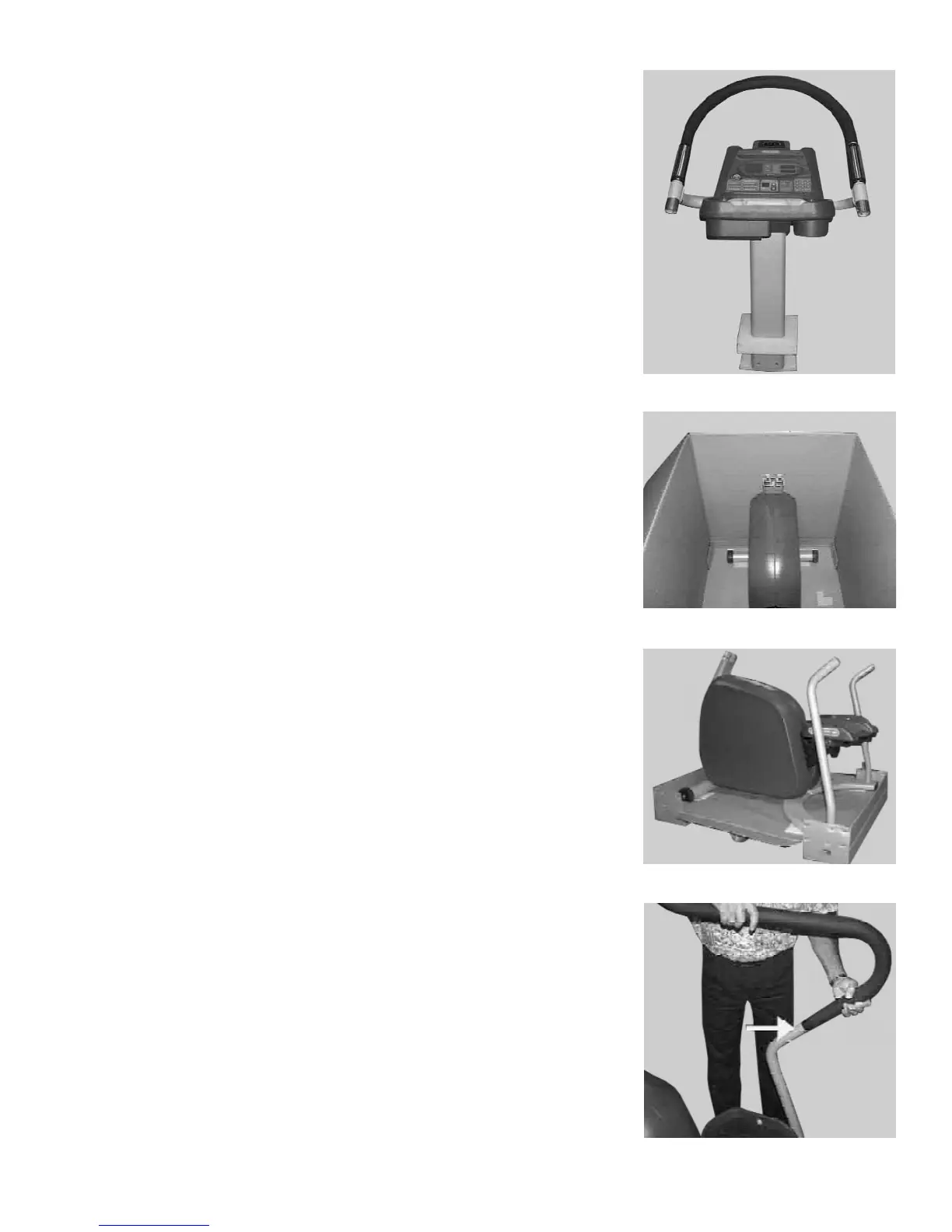
Remove the display assembly from the shipping carton.
CAUTION: Take care not to damage the display cable (located at the bottom of
the neck).
Remove the remaining cardboard packing materials from around the Stepper
base.
Remove the cardboard box from the cardboard pallet.
2. Install the Side Handrails
NOTE: Both side handrails are identical.
Slide one side handrail onto the left side lower handrail on the Stepper base.
Make sure the rubber-coated section of the handrail faces toward the front of
the Stepper.
Align the screw holes in the handrail with the mating holes in the lower
handrail support.
Repeat for the right side handrail.
Step 1D
Step 1E
Step 1F
Step 2A


 To Next Page