STAR TRAC PRO STEPPER O
WNER
’
S
M
ANUAL
13
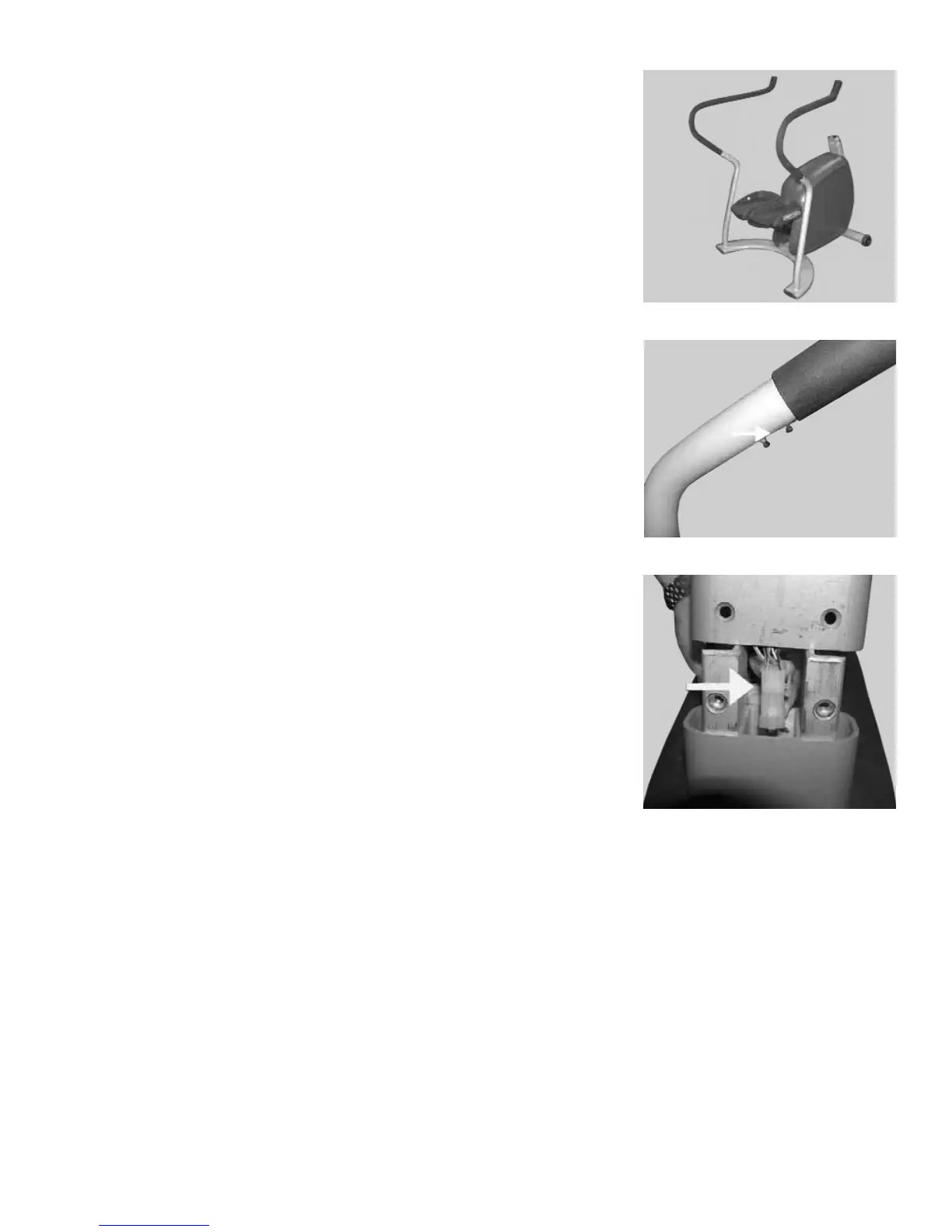
Remove the Stepper base from the cardboard pallet.
Thread two handrail screws, PN 110-0506, into each side handrail, but do not
fully tighten the screws at this time. The screws are tightened during instal-
lation of the display assembly.
3. Install the Display Assembly
CAUTION: Use care to avoid pinching your finger between the display assem-
bly and the neck of the Stepper.
While holding the display assembly in position near the neck of the Stepper,
plug the display assembly cable into the mating connector at the neck of the
Stepper.
Step 2B
Step 2C
Step 3A


 To Next Page