14
|
Get to know your hearing aids 15
|
Get to know your hearing aids
7
Overview
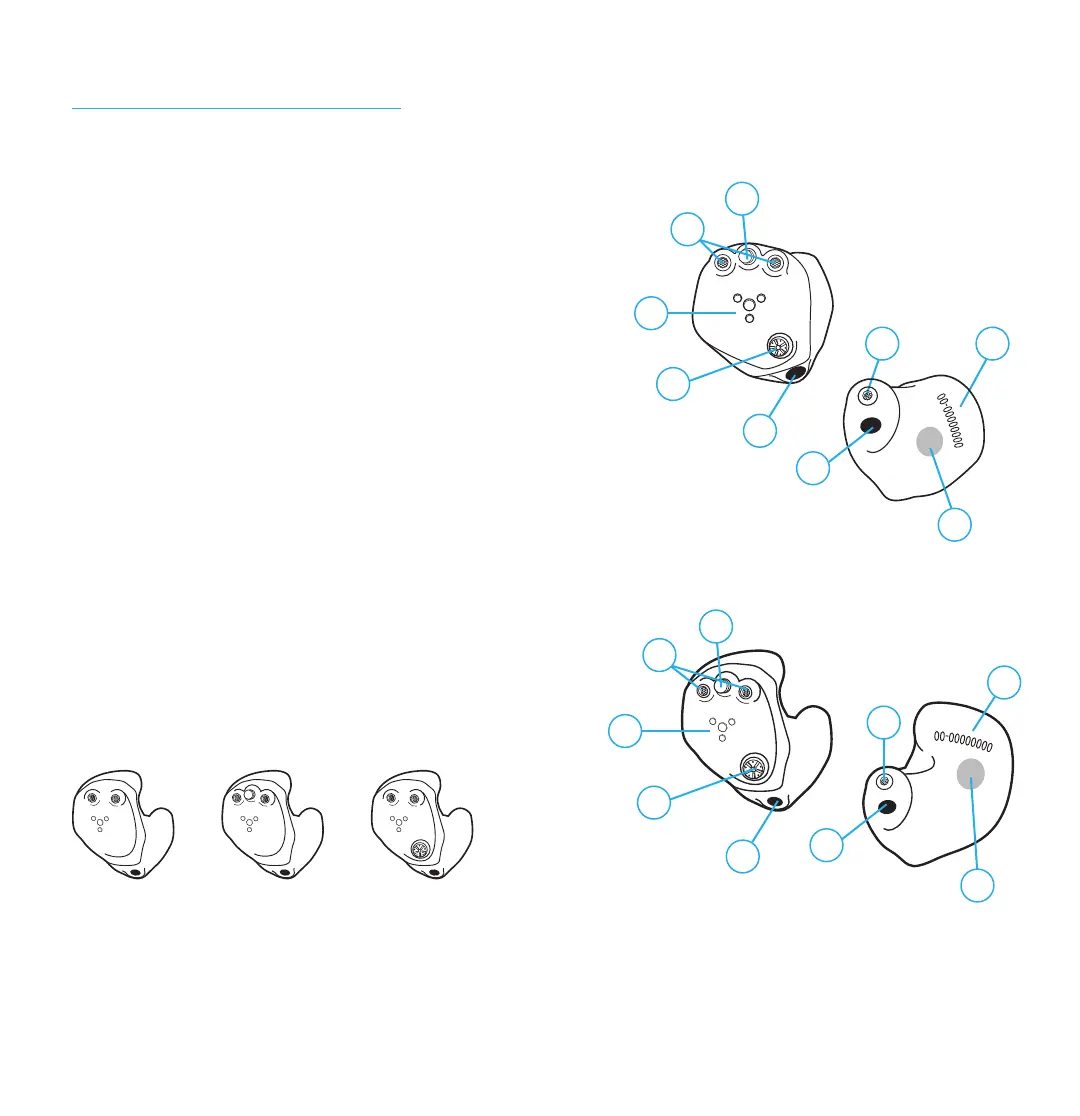
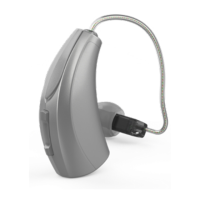
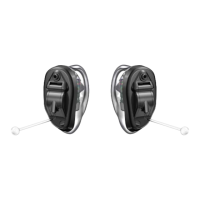
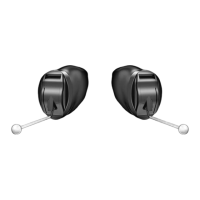
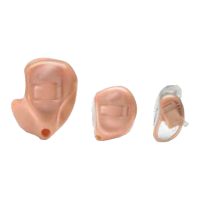
1. User control (optional)
2. Microphone
3. Charging contacts
4. Rotary volume control (optional)
5. Vent
6. Wax guard (included accessory)
and sound outlet
7. Serial number
8. Side indicator (location may vary)
RED is for right ear, BLUE is for left ear
Meet your hearing aids
5
6
ITC/HS R
User control options:
User control Rotary volume
control
No control
ITE R
1
3
2
5
1
3
2
5
6
5
7
4
8
4
8



 To Next Page