Operation
Volume Level Tone
(Maximum) Five beeps plus tone
Level 3 (Power on volume level) Three beeps
(Minimum) One beep plus tone
INCREASE VOLUME
DECREASE VOLUME
15
Volume Settings
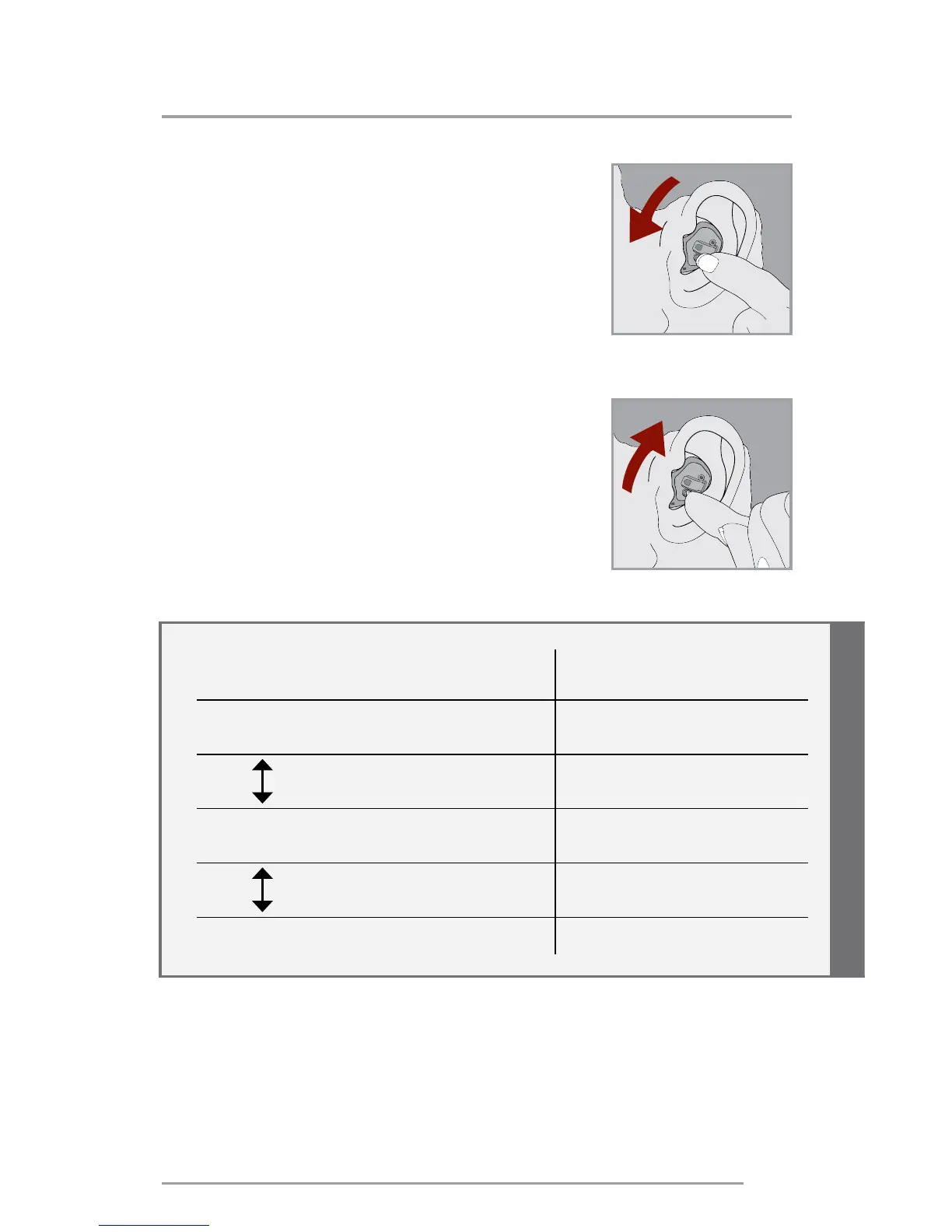
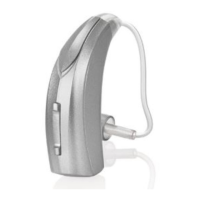
Rotary Volume Control
Use your fingertip to rotate
the volume control.
1. To make sounds louder, continue
to rotate the control forward,
toward your face.
2. To make sounds softer, use your
fingertip to rotate the control
toward the back of your head.
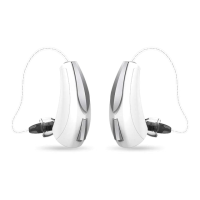
Some hearing systems can be set for the Right device
to increase the volume and the Left device to decrease
the volume. Ask your hearing care professional if this
setting would benefit you.


 To Next Page