Operation
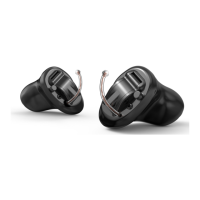
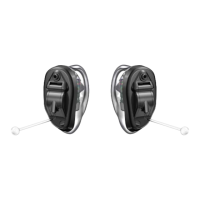
My hearing instrument volume is set automatically.
See below.
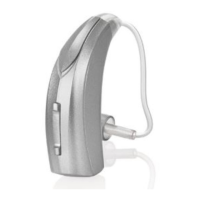
My hearing instrument uses the multifunction
button for volume control. See below.
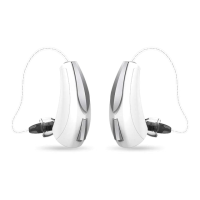
My hearing instrument has a rotary volume
control. See page 15.
Volume Level Tone
Level 5 (More volume) Five beeps plus tone
Level 4 Four beeps
Level 3 (Power on volume level) Three beeps
Level 2 Two beeps
Level 1 (Less volume) One beep plus tone
14
Volume Control
Automatic Volume Control
Your hearing system has been set to a specific volume
level by your hearing care professional. If sounds are
generally too loud or too soft, please contact your
hearing care professional for advice and adjustment.
Multifunction Button – Volume Control
Your hearing system uses the button to control
volume. Press then release the button until the
desired volume level is reached. Each press/release
changes the volume one increment.


 To Next Page