13
Operation
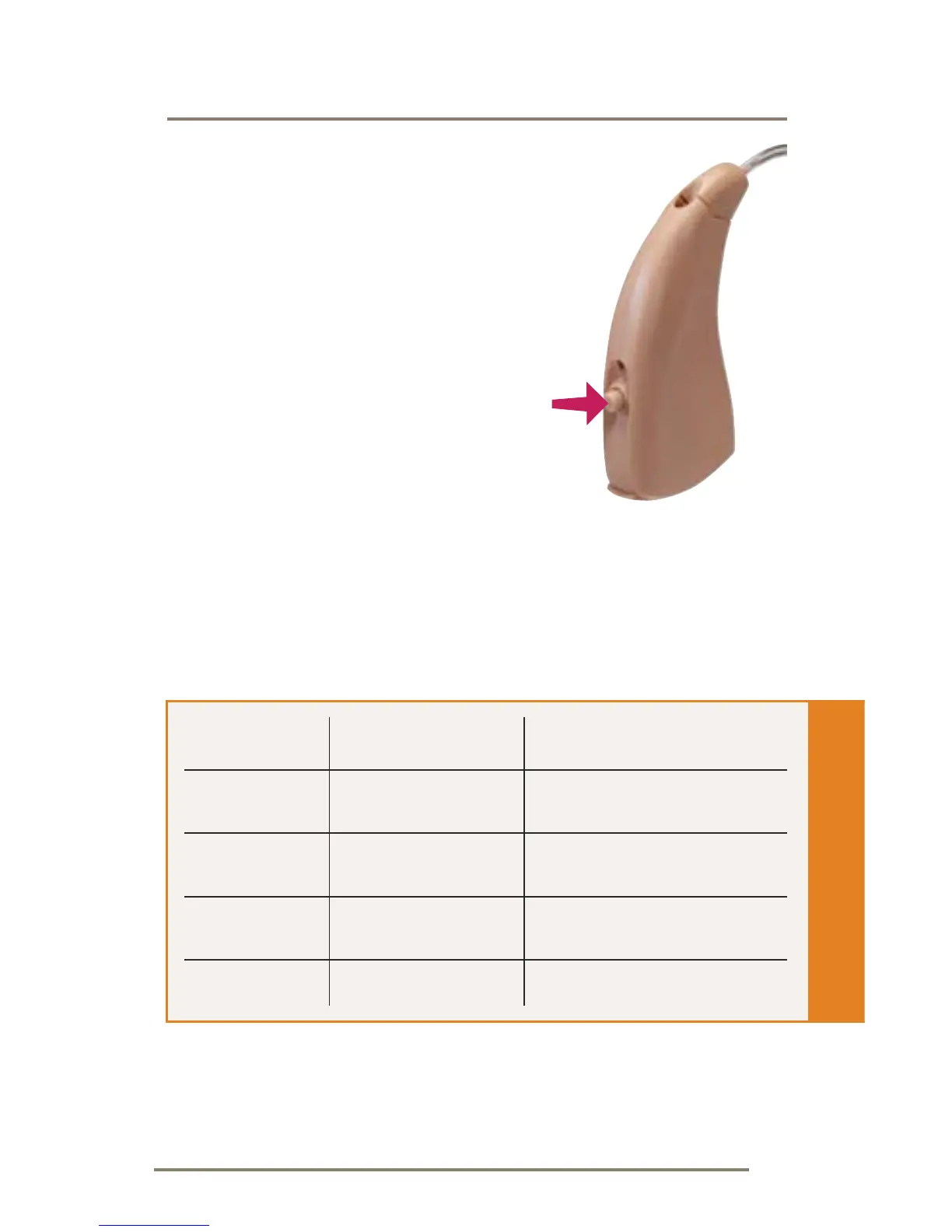
Multimemory Settings
Your hearing care professional
can set up to four hearing
programs for you. These
additional programs are
accessed by pressing the
Multimemory button inward.
When you press the
Multimemory button, you may
hear an indicator or a tone series indicating the
device has changed to the next program. Your
hearing system has been setup with the following
environments.
Program Tone Environment
1 1 Tone Normal
2 2 Tones
3 3 Tones
4 4 Tones













 To Next Page