38
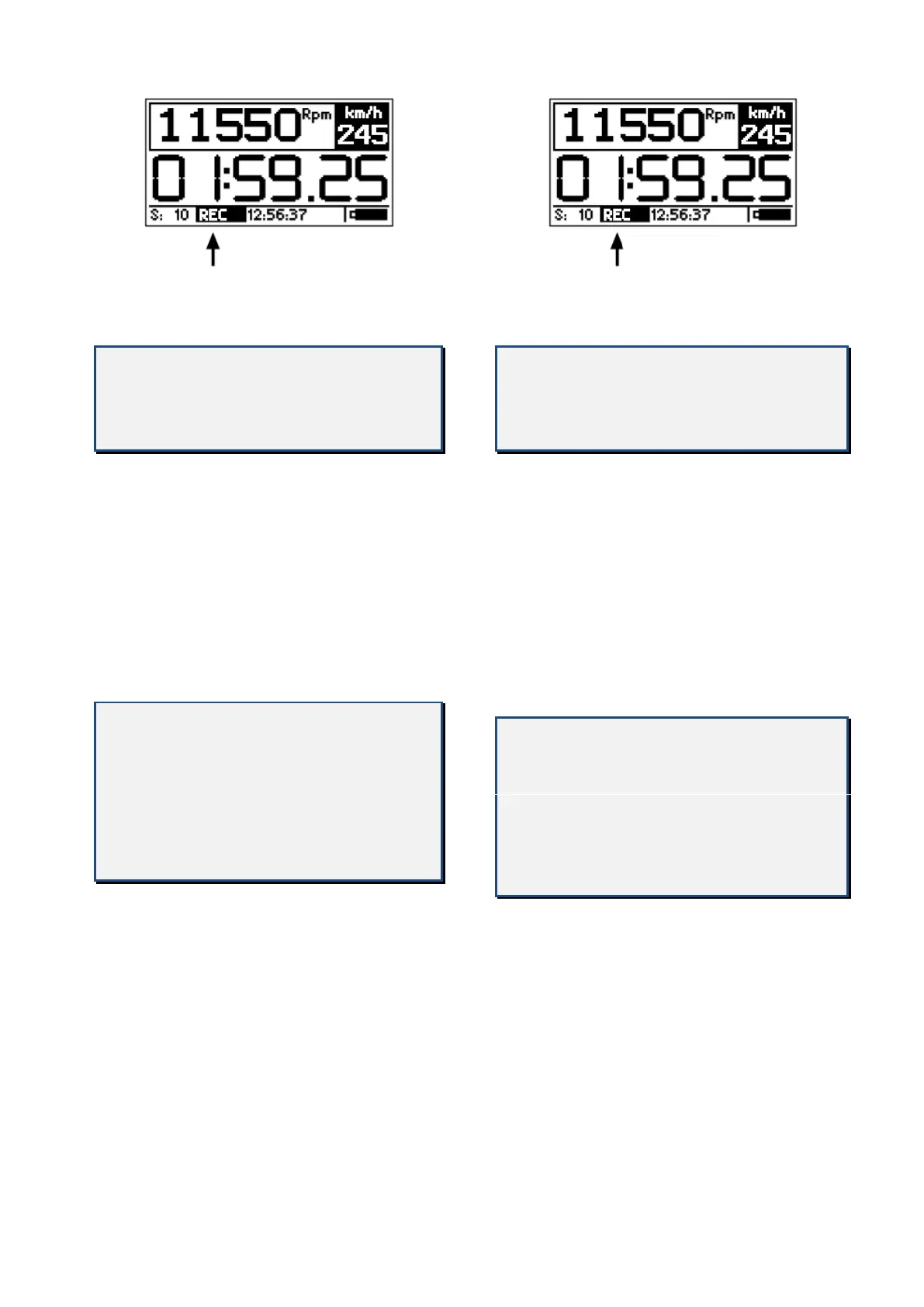
While CORSARO is recording the REC label
blinks at the bottom of the screen.
NOTE: in order to void the memorization
of useless sessions, CORSARO deletes
automatically every session of duration
below 1 minute.
Mentre CORSARO è in registrazione la
scritta REC lampeggia alla base del display.
NOTA: per evitare che vengano memo-
rizzate sessioni inutili, CORSARO cancella
automaticamente ogni sessione di
durata inferiore a 1 minuto.
As explained in the “Access Screen” you
can also activate the manual data recording
feature by means of the MANUAL
RECORDING setting in the Options menu.
Each time you press the REC button
CORSARO will start recording data until REC
is pressed a second time to stop recording.
NB: the presence of the REC button on
the access screen does not exclude
however, the automatic activation of
the recording based on GPS speed and
RPM, therefore it is not necessary to
press REC to acquire the sessions when
starting the session on track.
Come indicato nel paragrafo “Schermata di
Accesso” è possibile anche attivare la
registrazione manuale dei dati tramite
l’impostazione REGISTRAZIONE MANUALE
nel Menu Opzioni.
Ogni volta che viene premuto il bottone
REG., CORSARO inizierà a registrare i dati
finchè REG. non sarà premuto una seconda
volta per fermare la registrazione.
N.B.: la presenza del bottone REG. nella
schermata di accesso non esclude
comunque l’attivazione automatica della
registrazione in base a velocità GPS e
RPM, pertanto non è necessario
premere REG. per acquisire le sessioni
quando si entra in pista.


 To Next Page