5
20
Using Automatic Feed:
1. Plug in power cord and turn unit on.
2. Set tape on the center of reel and stick the end of the tape onto the metal feed
roller. Press FEED key until tape feeds through cutting unit. If the tape will not
feed through the cutter, fold corners of the tape to form a triangle shape and
re-feed (Fig. A).
3. Press CUT key to cut tape.
4. Set the tape length.
Press MM key to set length of 0-9mm.
Press CM key to set length of 20-990 mm.
5. Set PRESSURE knob
• If tape curls or slips, increase pressure.
• If tape creases, decrease pressure.
6. Turn sensor switch ON. Tape will be fed to set length and cut. When the piece
of tape is removed from machine, another piece will be fed and cut. (Turn
sensor switch OFF when not in use.)
Using AUTO key
With sensor switch OFF, press AUTO key. Tape will be fed to set length and cut.
Using FEED key
Press FEED key until desired tape length has been fed. (This key overrides the
preset length.) Press CUT to cut tape.
Changing tape
Press the REVERSE key. The feed roller will rewind the tape away from cutter
area. Remove the tape manually.
In case of tape jam
Press REVERSE key to remove tape from cutter area. Rewind and replace tape on
roller. Also, remove cutter unit to verify no tape is stuck on roller or cutter.
OPERATION
FIG. A
FOLD
TAPE
BACK
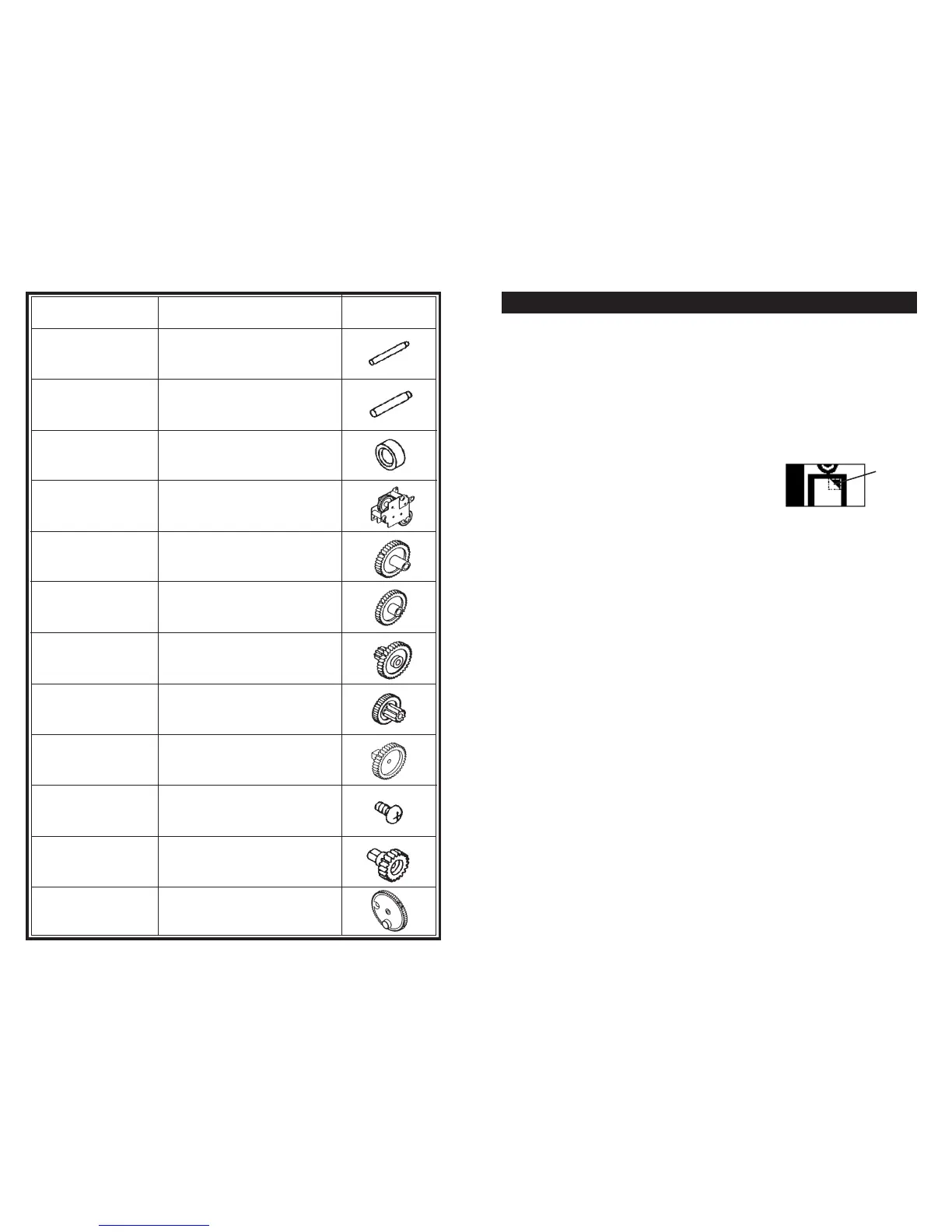
Part Number Description Drawing
ZCM1000P406 Flat Gear Shaft 14
ZCM1000P407 Flat Gear Shaft 13
ZCM1000P408 Collar 2
ZCM1000P418
Gear Plate
Installation Unit
ZCM1000P421 Flat Gear 11
ZCM1000P422 Flat Gear 12
ZCM1000P423 Flat Gear 13
ZCM1000P424 Flat Gear 14
ZCM1000P427 Feeder Roller Gear 2
ZCM1000P428
Small Screw w/
Cross Hole
ZCM1000P430
Separating Roller
Gear 2
ZCM1000P431 Cutter Gear Unit 2


 To Next Page