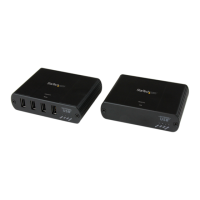
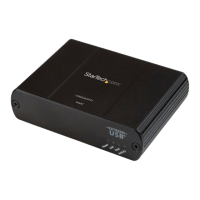
Instruction Manual
4
Installation
Please ensure that the driver installation is complete prior to the physical installation
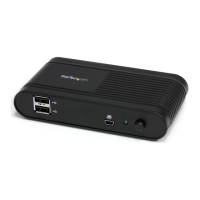
(plugging in) of the USB 2.0 Video Adapter
Driver Installation
1. Insert the Driver CD into your CD/DVD-ROM drive.
2. If the installation program does not begin automatically, locate the Autorun.exe
application. This le will be located in the root directory of the Driver CD (e.g. D:\ or E:\).
3. Select the model of the IP Video Extender then select the “Device Driver” installation. This
will being the installation wizards for the drivers and USB Server application.
4. Once both installations are complete, restart the computer when prompted. Once
Windows has fully loaded, it will be ready to connect to the video adapter either through
USB or Ethernet.
*installation photos for reference only


 To Next Page