Instruction Manual
21
4. The Web user interface is displayed. The Port Selected eld on the top left displays
which video Input device is currently being displayed on each video output port.
Note: The Refresh button will reload the page showing your current conguration.
IP (Internet Protocol) Operation
1. Open a web browser on a computer connected to your local network.
2. Type the IP address of the ST424HDBT into the address bar in your web browser, and
press enter.
Note: If you do not know the IP address of the ST424HDBT, it can be obtained using
the IP Information Software. Please see IP Information Software Installation and
Operation for instructions.
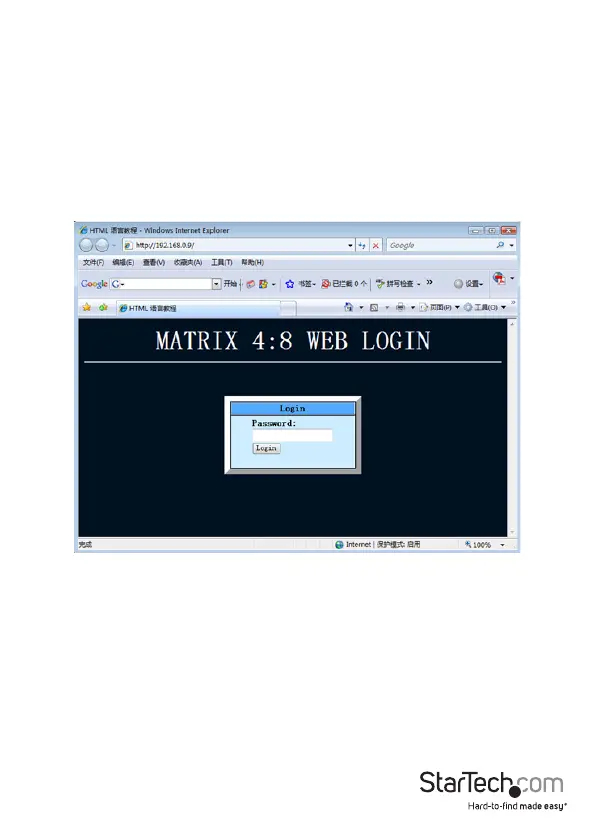
3. The home page for the ST424HDBT will be displayed. Enter your password and
click Login.
Note: The default password is: 0000000000



 To Next Page