10
Timer Control
The timer can be used in two dierent ways:
a) Minute Minder (countdown mode): in this case the timer will not switch o any cooking zones
when the time is up.
b) Cooking Timer (switching a zone o): once the set time is up the selected cooking zone will
switch o (maximum is 99 minutes).
To Set the Minute Minder (countdown mode)
1. Turn on the appliance
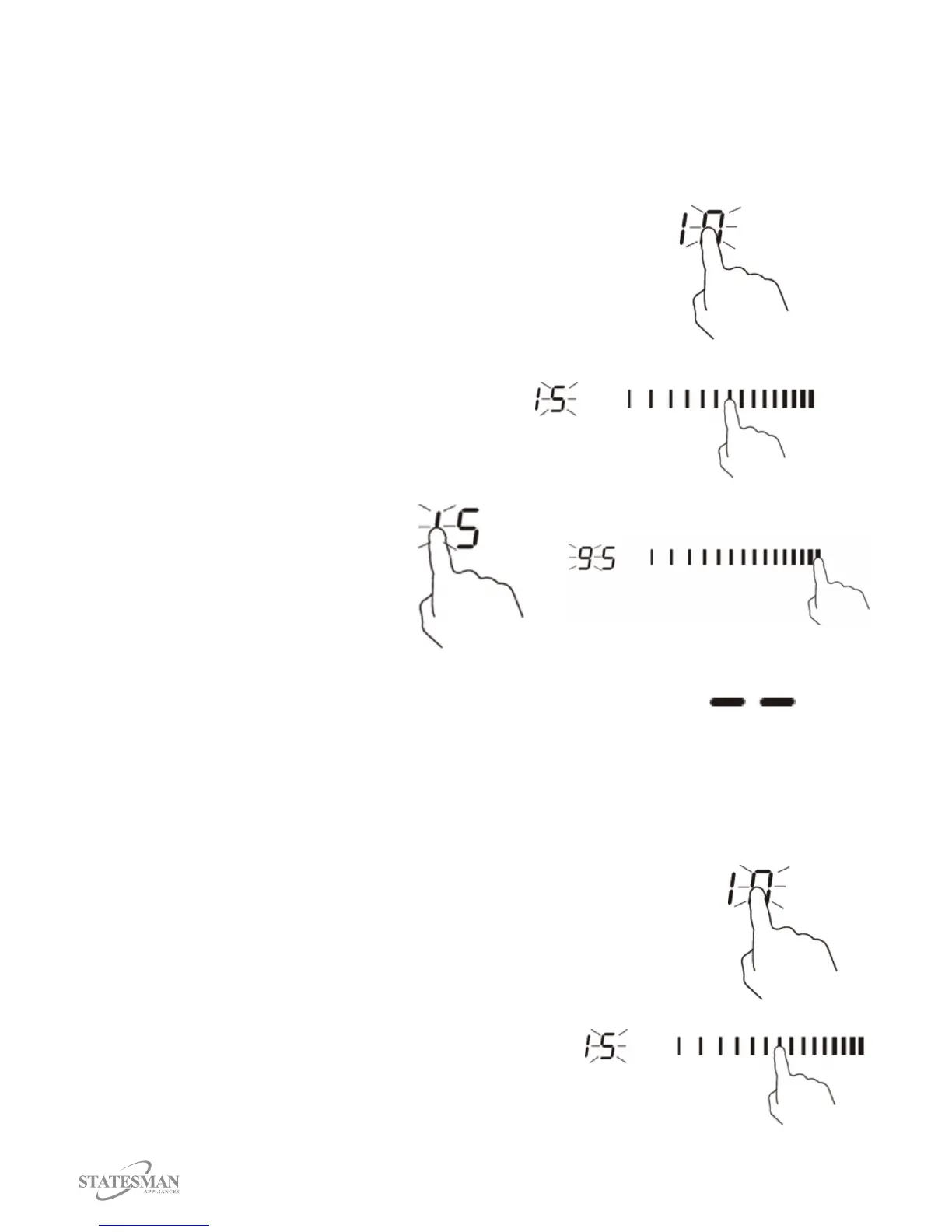
2. Touch the Timer Control, “10” will show in the timer display,
“0” will ash (Fig. 21).
Fig 21.
3. Set the time by touching the Slider
Control e.g. 5 (Fig. 22).
4. Touch the Timer Control again and “1”
will ash (Fig. 23). Insert Fig. 23
Fig 22.
5. Set the time by touching the Slider
Control e.g. 9, the time that has been
set is 95 minutes (Fig. 24).
6. The timer count down will start
immediately and the display will
show the time remaining.
Fig 23.
Fig 24.
7. A buzzer will beep for 30 seconds when the time is up
and the timer indicator will display “_ _ ” (Fig. 25).
Fig 25.
To Select the Cooking Timer (switching a zone o)
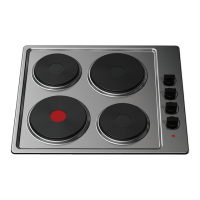
1. Touch the Heating Zone Control that you want to set, once selected a red dot will display next
to the selected zone.
2. Touch the Timer Control, “10” will show in the timer display, “0”
will ash (Fig. 26).
Fig 26.
3. Set the time by touching the Slider Control e.g. 5 (Fig. 27).
4. Touch the Timer Control again and “1” will ash (Fig. 28).
Fig 27.



 To Next Page