24
3. How to use the device
3.1. Applying power
• Plug the power supply cable into the wall socket 110V or 230V 50/60Hz monophase.
• Switch « on » (from the button).
• As soon as the power is switched on, the device beeps and starts preheating according to the
last programmed temperature set value.
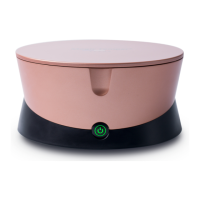
The blue colored button indicates that the temperature set value is not reached yet for the tank.
3.2. Changing the temperature set value
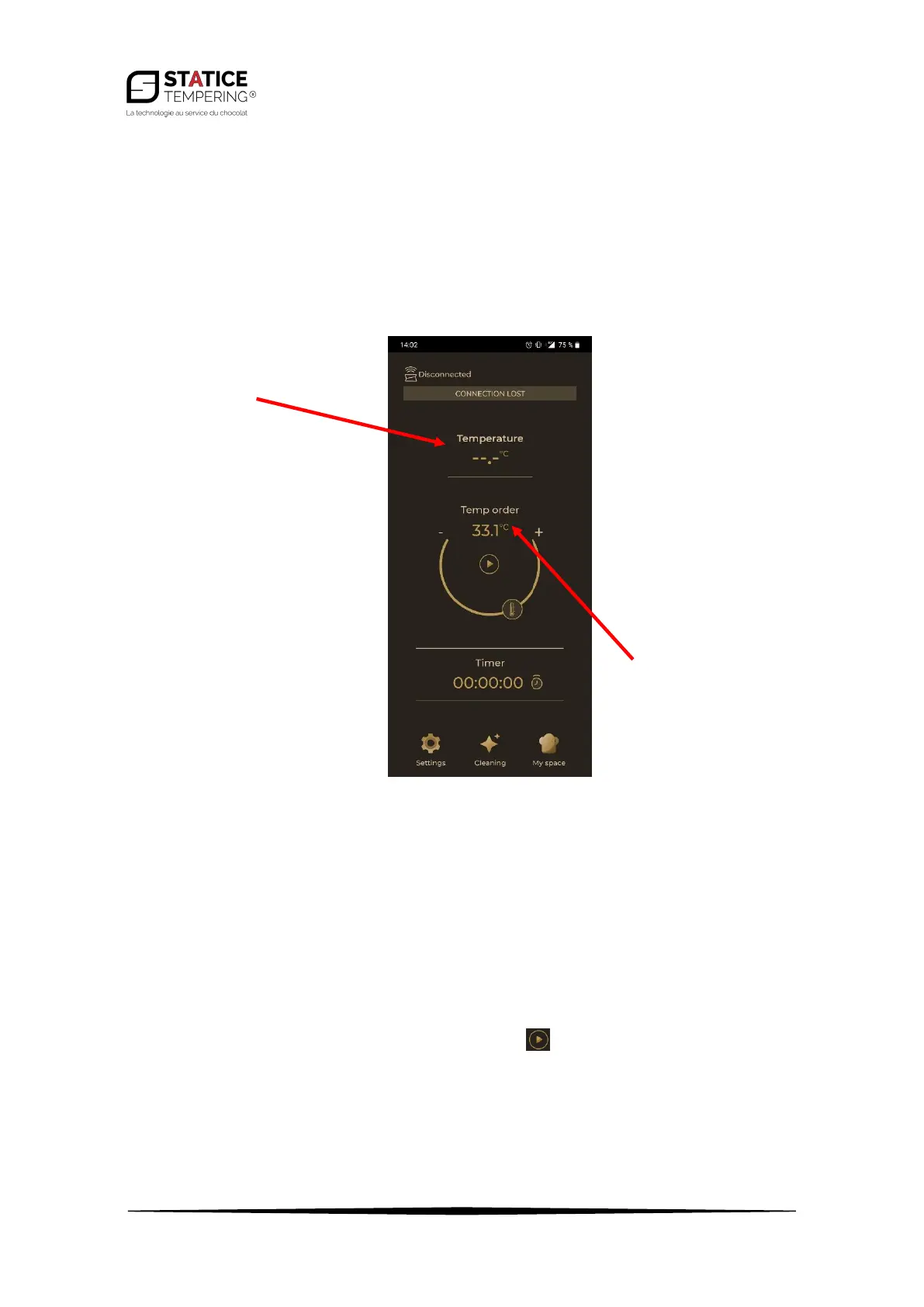
• On the main page of the app, unlock the set temperature by using the "Unlock" bar (slide the
lock to the right). Then you can change the temperature by dragging the thermometer icon
along the semi-circle or by pressing the + or -. Press to confirm.
• If the device is unplugged, the last set temperature is saved and will be automatically displayed
during the next use of the device.


 To Next Page