3.3. Placing solid cocoa butter
• Place pieces or pellets of cocoa butter into the tank.
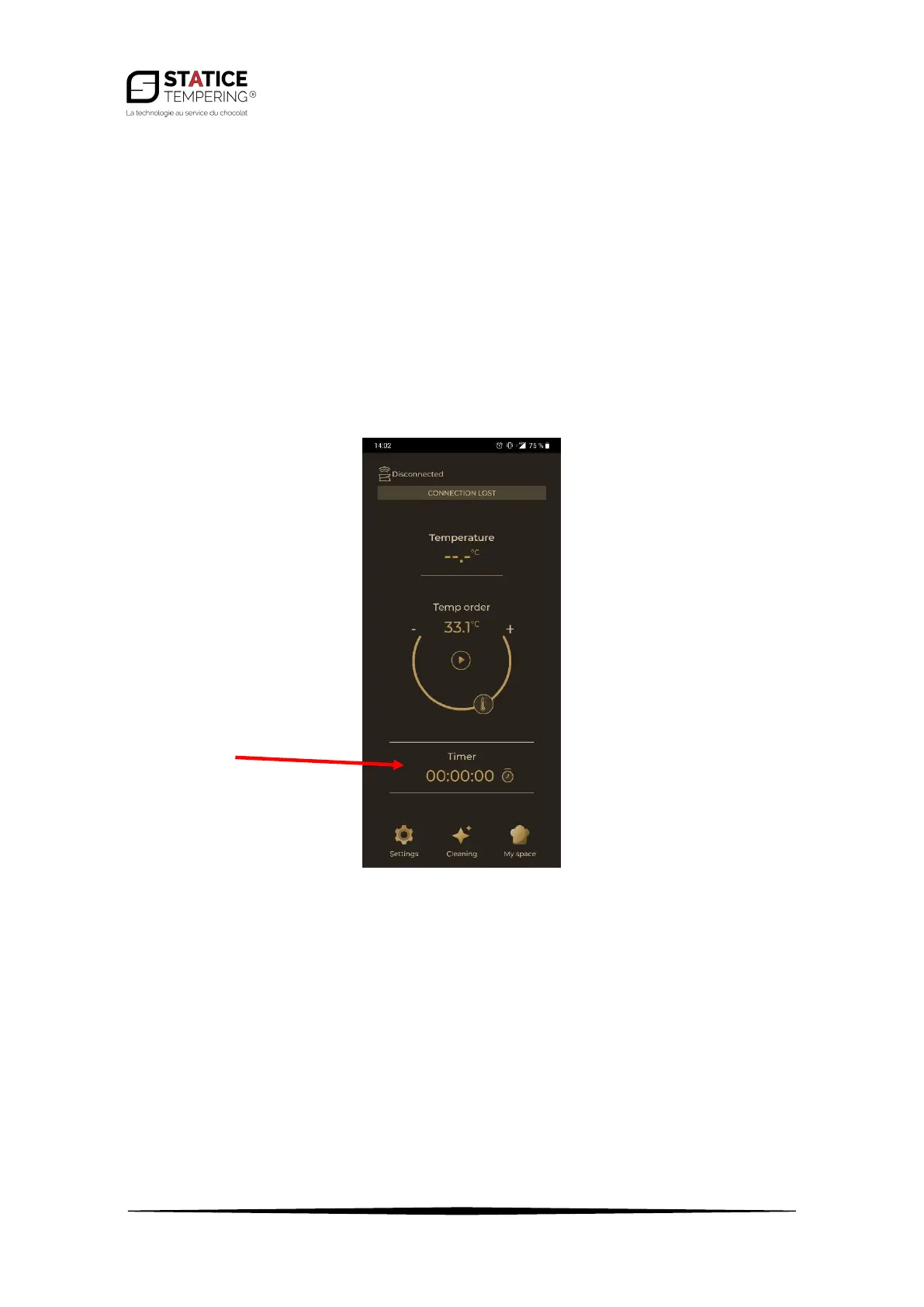
• The default temperature set value is 33.1°C. It is advised to start with this value and then to
tweak it (from 33.0°C to 34.5°C) according to the butter’s texture.
• It takes about five hours for the cocoa butter pieces to turn into a cream.
• Use a plastic or silicone spatula or spoon, to avoid damaging the tank.
3.4. Fusion
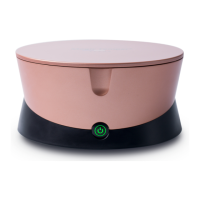
• Once the temperature set value is reached, the button turns green.
• On the main screen of the application, it is also possible to start a timer by pressing "00:00:00".
To pause it, just press again. Finally, to restart the timer, press the arrow on the left of the
timer.
• It is always possible to change the set temperature during melting.


 To Next Page