15
742.114 | 14.50
EN
Set pump 2 (output R2; only if a system with 2 pumps was selected in step 7; otherwise
continue with step 20)
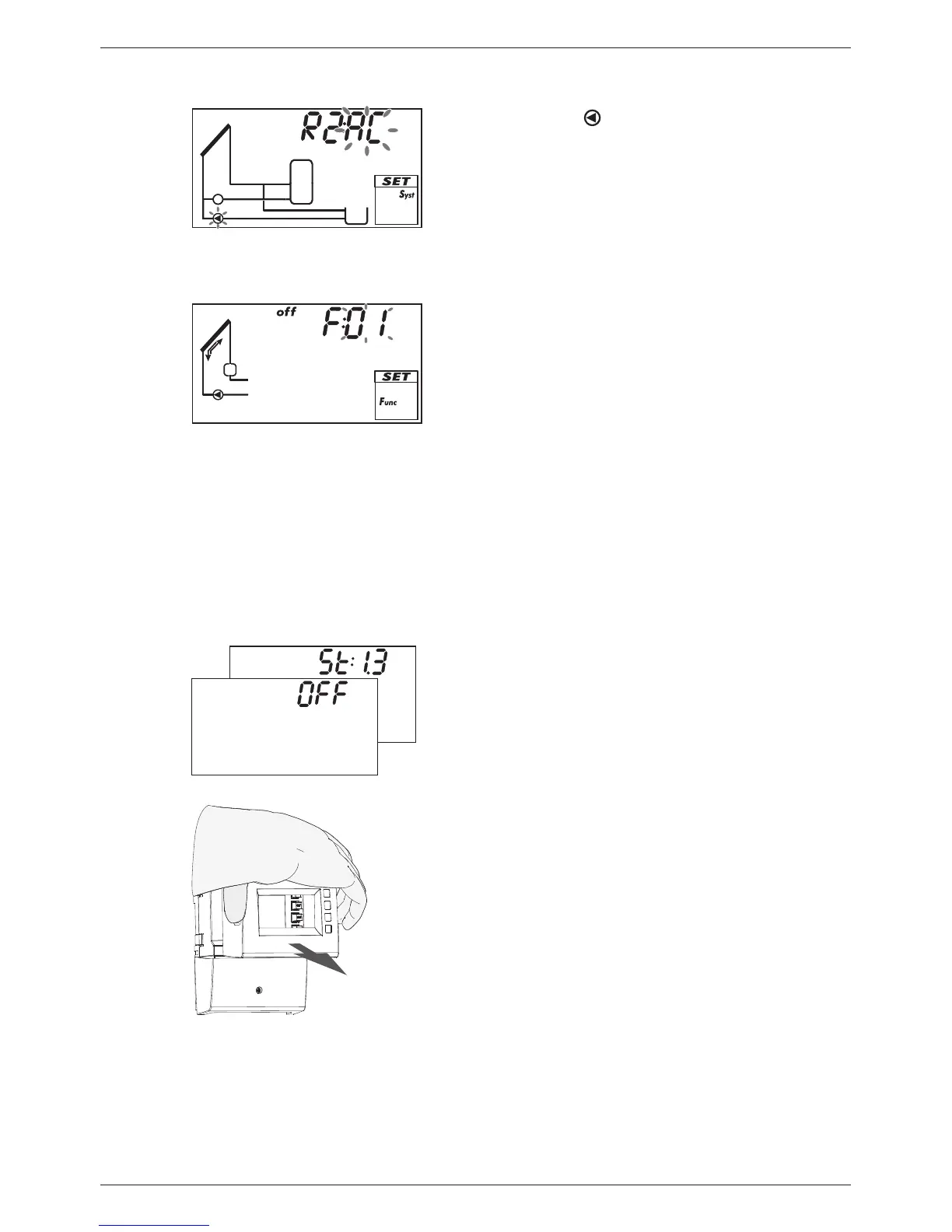
18. Press . AC and (pump 2) flash (example in fig.
left).
19. Perform steps 10 to 17 accordingly for pump 2.
20. Press . F: is displayed.
Set the functions (necessary for System 0.1, or as required for other systems; The func-
tions can also be set at a later date.)
21. Press SET to set the functions. F:01 (function num-
ber) flashes (example in Fig. left).
or
Press to skip the setting of the functions; Ok
flashes. Continue with step 30.
22. Press to select a different function. (Function
description in Section 10.3)
23. Press SET. oFF is displayed.
24. Press SET. oFF flashes.
25. Press . on flashes.
26. Press SET. The function is activated.
27. Set the characteristics (see Section 10.1).
28. Press ESC.
29. Press . Ok flashes.
Finishing initial commissioning
30. Press SET to finish initial commissioning. The
controller switches to the operating mode Off
(Example in Fig. left).
or
Press /ESC to display the previous settings and
correct them if necessary.
Set the operating mode (off, manual, automatic)
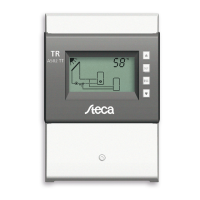
31. Remove the front panel (Fig. left and Section 4.1.1).


 To Next Page