28
742.114 | 14.50
EN
10 Functions
10.1 Operation
Displaying the functions
The following information is visible when the functions are
displayed:
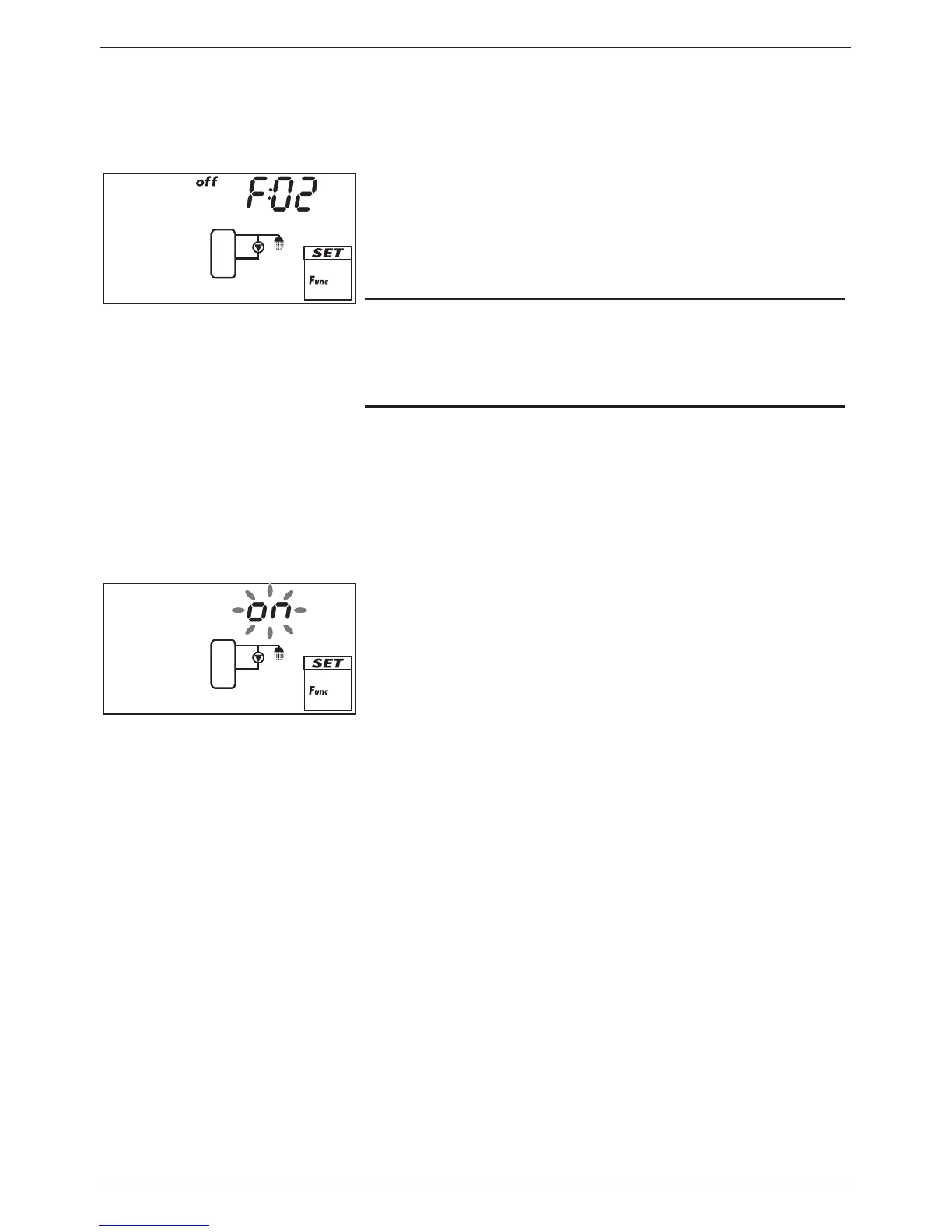
• Function number, e.g. F:02 (Fig. left)
• Switching state:
on: function is activated
off: function is deactivated (Fig. left)
Note
If neither on nor off are displayed, then the function cannot be
used. Possible causes:
• The set system does not allow the use of this function.
• All outputs are used.
You display the functions as follows:
√
F
unc
flashes.
1. Press SET. F:01 flashes.
2. Press to display the next function.
Activating the function
A function must be activated (activation = on; Fig. left) and all
the associated characteristics must be correctly set before it can
be used.
If a function is activated and then exited before the character-
istics are set, then oFF flashes briefly. After this, the function
is displayed with a switching state of off (function is deacti-
vated).
You activate a function as follows:
√ Function number flashes.
1. Press SET. The function is selected.
2. Press SET. oFF flashes.
3. Press . on flashes.
4. Press SET. The function is activated.
5. Set the characteristics as described below.



 To Next Page