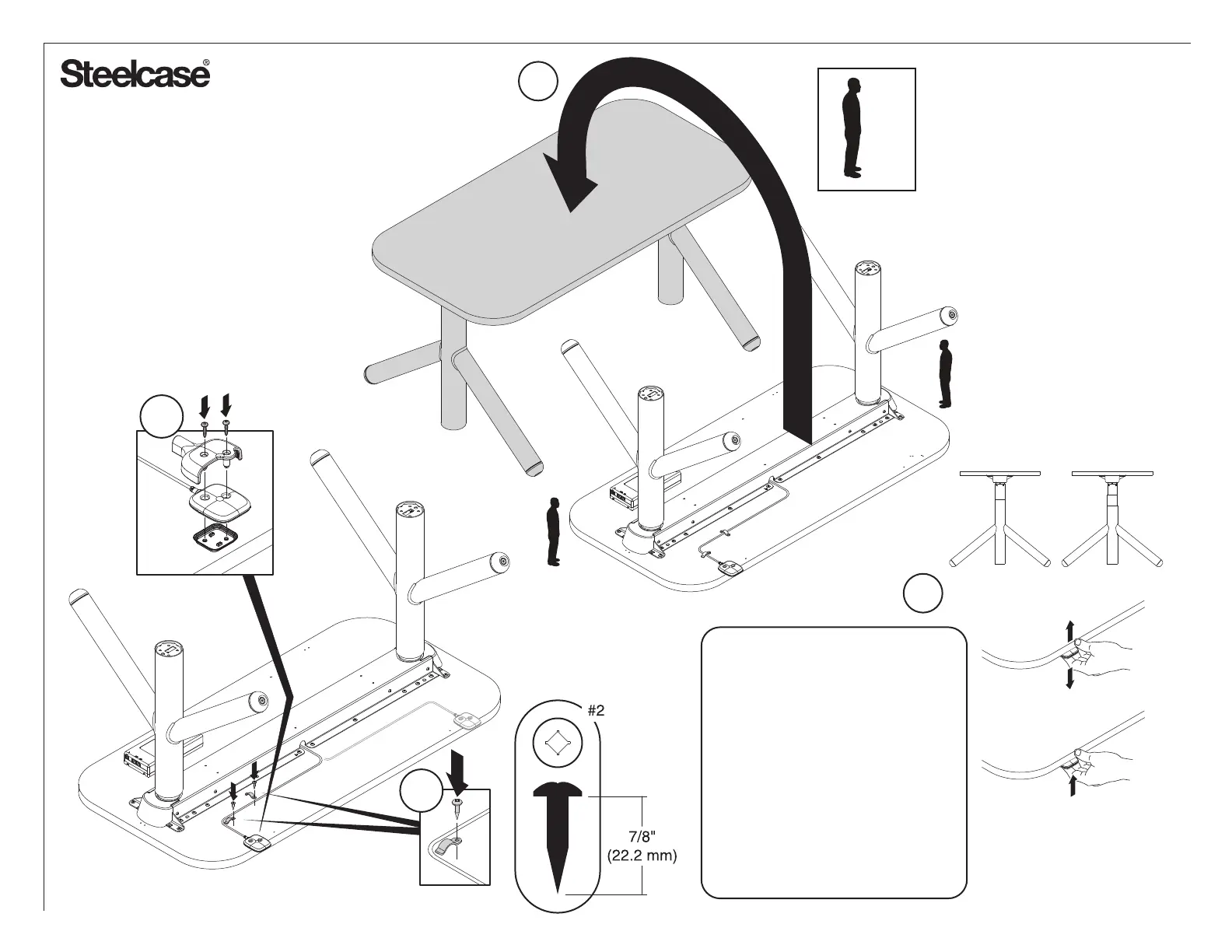
2x
13
12a
12b
Page 23 of 29
P/N 1411856001
Doc # 152667 Rev C
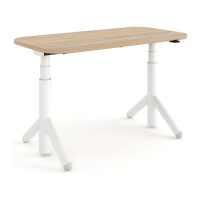
For Active Touch Only:
Tap the Switch. Each time it is
pressed, it will toggle between
22.6" and 27.3", the 2 different
starting heights.
22.6" = Extended Legs
27.3" = Basic Legs
Once the desired height is
achieved, let go of the switch for
more than 3 seconds and the
setting will stay permanently.
Extended Leg
Basic Leg
NOTE: Extend to
full height to check
cable clearances.
22.6"
or
27.3"
Plug the
desk into
power
14


 To Next Page