EF315_r5.1(v12.22) – 03/2023 page 11
CONFIGURATION
The controller features two configuration levels, standard and advanced.
The standard configuration is reserved for the end customer, which normally only needs to change the
adjustment thresholds. The advanced configuration instead allows to change all parameters and is
normally password-protected, as this could be dangerous in case of intervention by unskilled personnel.
The procedure is however the same for both levels.
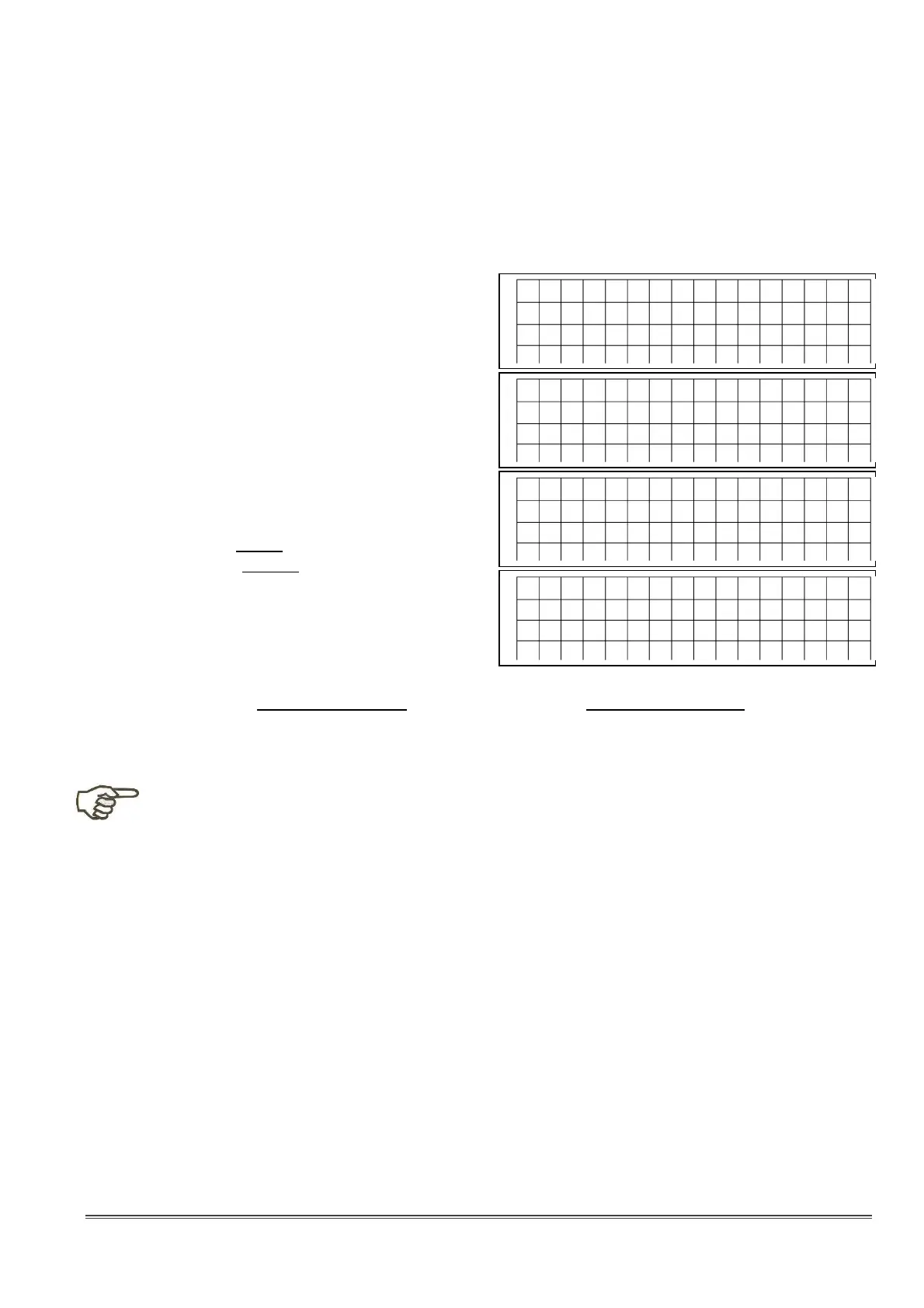
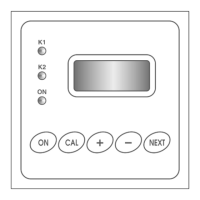
1) Starting from any display, press the CAL button
2) The display offers the Calibration of measure 1
3) Press the button three times, until the
“Standard Configuration” option is displayed
4) Press again the key to display the “Advanced
Configuration” option
5) Press CAL to confirm the desired option, press
ESC to quit, or press again the buttons for
other choices
6) If a “Configuration” is confirmed, the display
shows the first editable parameter, with the
cursor below the parameter number (e.g. 03)
7) Now you can:
• Press ESC to quit configuration procedure
• Press to see the next / previous
parameter
• Press CAL to edit the parameter value; in this
case the cursor will move below the
parameter value:
- Use the arrow keys to enter the parameter
value
- Press CAL to confirm and save the new value, or ESC to exit without saving modifications
- The cursor will move back below the parameter value
8) Proceed as described here above to see / configure the remaining parameters
♦ Once confirmed the access to configuration mode, the outputs are automatically disabled.
♦ If no key is pressed for a couple of minutes, the unit automatically exits from configuration
mode.
♦ In standard configuration mode, only the editable parameters can be displayed; to access
the complete parameter list, it is necessary to access the advanced configuration menu.
♦ The allowed values are restricted by the processor, however you should always check the
consistency between the application and the set value, referring to sections “Configuration
Parameters” and “Meaning of Parameters”.
♦ If a password has been set, you must type it (and confirm) to access the configuration mode.
♦ When exiting configuration mode, the access level returns to zero.
♦ When exiting configuration mode, the outputs are disabled; press ON/OFF to reactivate.
♦ All the menus are “circular”, i.e. when the maximum is reached, the menu returns to the
minimum and vice versa.
C
a
l i b
r
a
t .
1
p
H
S
c r o
l l m
e n
u
C
A
L
C
o
n
f i r m
E
S
C
Q
u
i t
S
t a
n
d
a
r
d
C
o
n
f i g
.
S
c r o
l l m
e n
u
C
A
L
C
o
n
f i r m
E
S
C
Q
u
i t
A
d
v
a
n
c
e
d
C
o
n
f i g
.
S
c r o
l l m
e n
u
C
A
L
C
o
n
f i r m
E
S
C
Q
u
i t
T
h
r
e
s
h
o
d
P
u
m
p
1
( d
e s i r e d
p
H
v
a
l u
e )
P
0
3
=
7
. 4
0
p
H



 To Next Page