CI2 and Cubase AI5 - Product Guide 17 of 31 Steinberg Media Technologies GmbH – July 2009
6.3 Use case examples .3 Use case examples
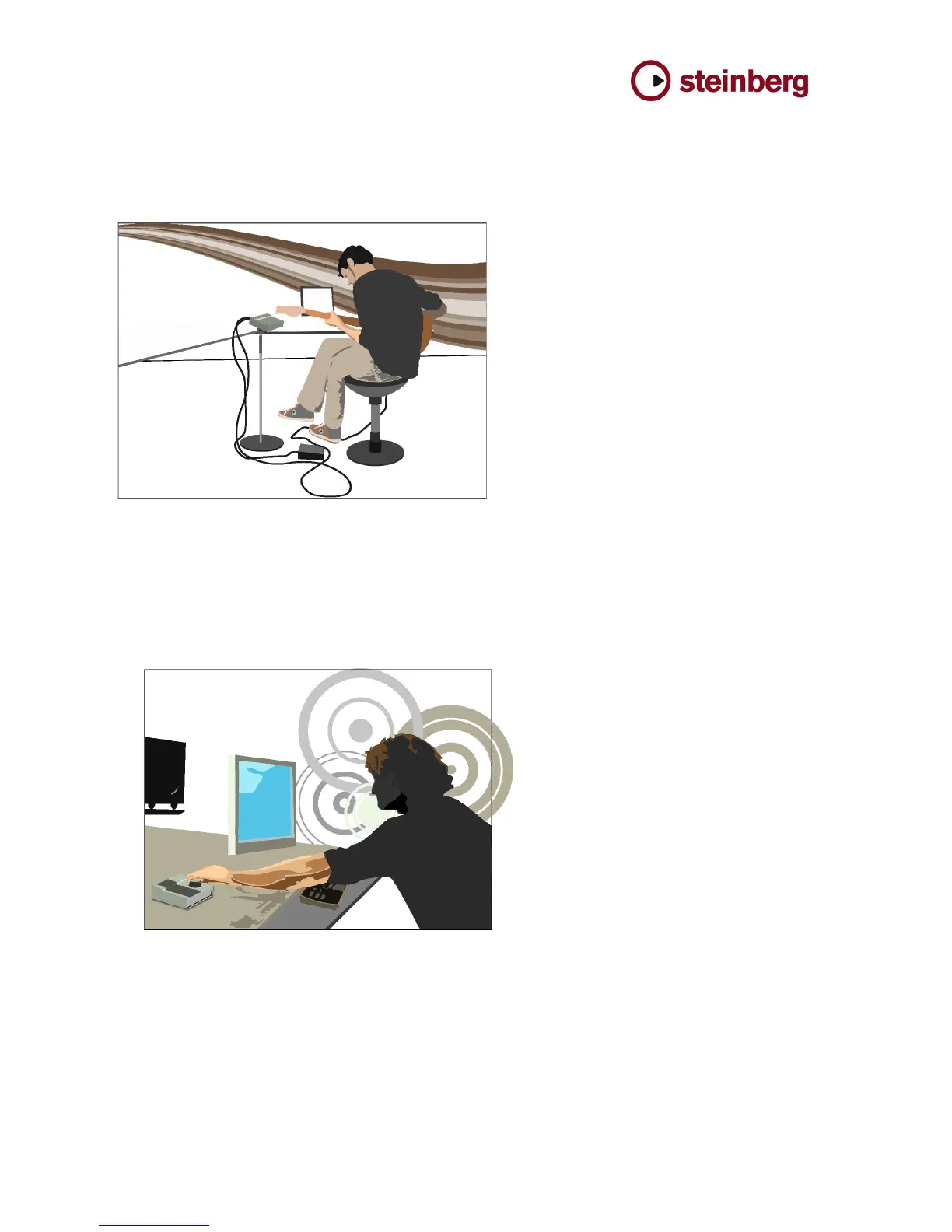
6.3.1 Guitar recording 6.3.1 Guitar recording
! Easily record a guitar using Cubase AI 5 and CI2 ! Easily record a guitar using Cubase AI 5 and CI2
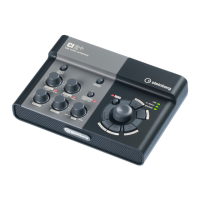
6.3.2 Edit on Cubase 6.3.2 Edit on Cubase
! After recording, smart editing by AI Knob. ! After recording, smart editing by AI Knob.
- Finally, the user depresses the Action
Pad (or the optional footswitch) to start
recording, using the hand-free recording
feature.
Another way to produce music is the editing of
music with the unique AI Knob.
- The user simply has to move the mouse
over any parameter of a plug-in, mixer or
anything else in Cubase and can now
easily adjust the value by turning the AI
Knob.
- To access the Browse mode, the user
depresses the AI Knob and selects from
a huge number of great sounds and
effects by turning and pushing the AI
Knob.
- The user connects the guitar to input 1 of
the CI2 unit, depresses the HI-Z button
and adjusts the input gain.
- Now the user launches Cubase AI 5 and
opens the Project Template window
using the AI Knob.
- A template needs to be selected for
recording the guitar.
One way of using both the CI2 USB studio and
Cubase AI 5 is to record a guitar with “Interactive
Recording”, which allows the user to record the
guitar performance in just a few steps.



 To Next Page