CI2 and Cubase AI5 - Product Guide 18 of 31 Steinberg Media Technologies GmbH – July 2009
7 Features
7.1.1 Instant plug and play with “AI Ready” LED
CI2 features full plug-and-play support, so there’s no need to add the parameters to Cubase, only the
easy, one-step installation of a USB device. Once the CI2 has been installed, Cubase detects the
launched device and automatically embeds the CI2 into the Cubase production environment. Visual
feedback is provided through the “AI Ready” LED. When it lights up, CI2 is ready to assume control.
But instant plug and play is just one of the many advantages CI2 has to offer as a fully integrated
controller of Cubase, forming one exhilaratingly powerful hardware/software production system.
7.1.2 Project Assistant
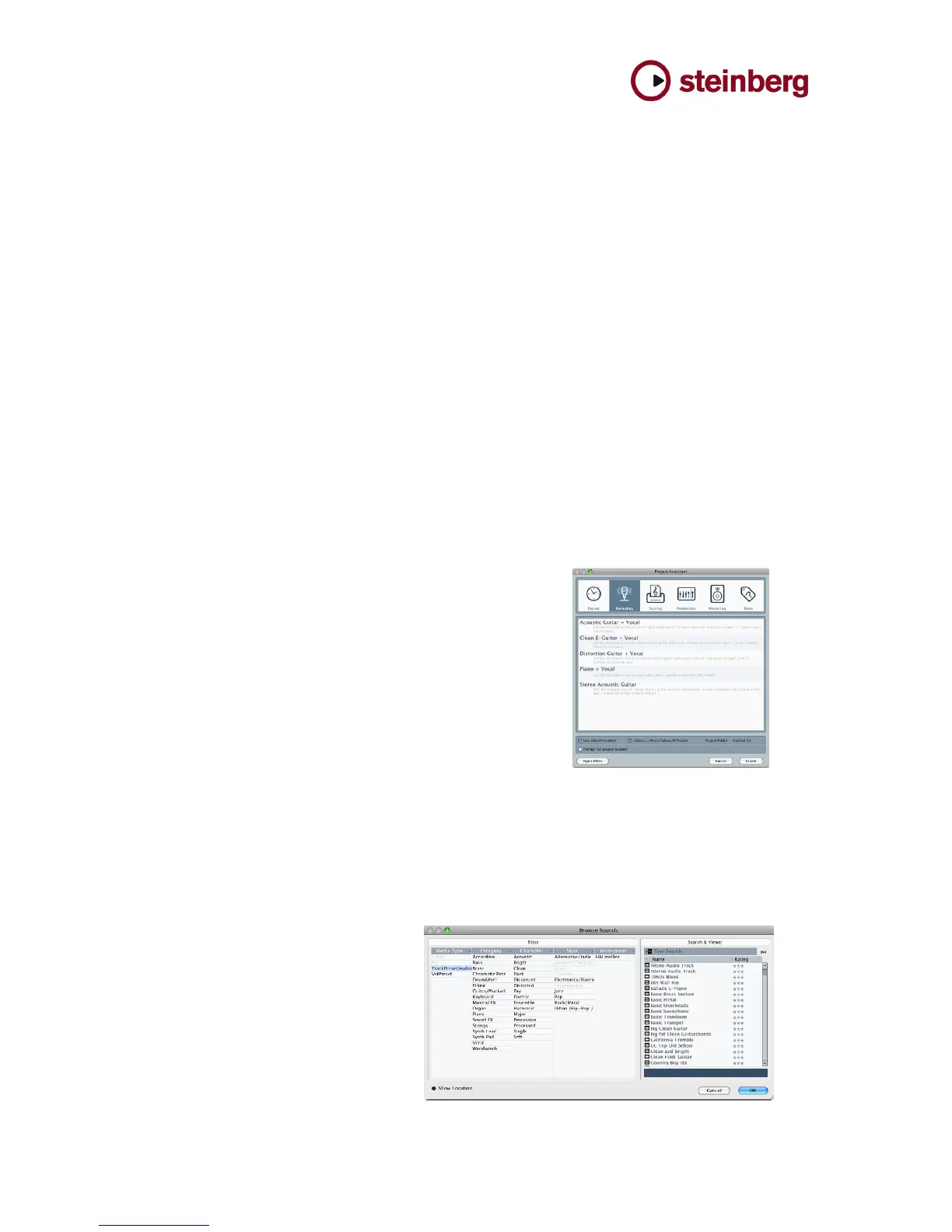
The Project Assistant provides a wealth of ready-made templates for different styles and scopes like
recording, mixing, producing and mastering. The templates contain the number of channels, effects,
dynamics, amp simulators and channel inserts — tailored to the user’s particular needs. Creating
customized user templates and integrating those into the Launch browser makes recording with a
DAW software and audio interface just that easy. The user starts up Cubase AI 5, hits the AI Knob and
scrolls down the list of provided templates. The chosen template is selected by pushing the AI Knob a
second time. A new project is created for the user with the necessary number of tracks, audio input
and output routings, all effects, amp simulator, sounds and much more. Especially for CI2, new plug-
ins like the AmpSimulator and the ToneBooster have been added to Cubase AI 5. The guitar is simply
plugged into the input of the CI2 and the user can start creating songs in a jiffy. Thanks to this
assistant, initializing a Cubase Project from scratch even saves professionals a lot of time — and as
we all know, time is money.
7.1.3 Browse function
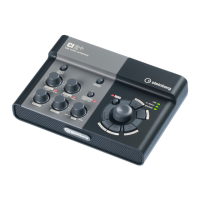
The Browse function in Cubase helps the user in many different ways. The intelligent browsing system
focuses on available files or sounds based on where the user is currently in the production process. By
using the AI Knob on the CI2 to select one of many project templates, track presets and other presets,
there’s no more excuse for using the mouse extensively. The Browse function also allows the user to
listen in on samples while browsing, without having to load them first. As you see, CI2 supports the
user throughout the entire project.



 To Next Page