CI2 and Cubase AI5 - Product Guide 19 of 31 Steinberg Media Technologies GmbH – July 2009
7.1.4 Interactive Recording
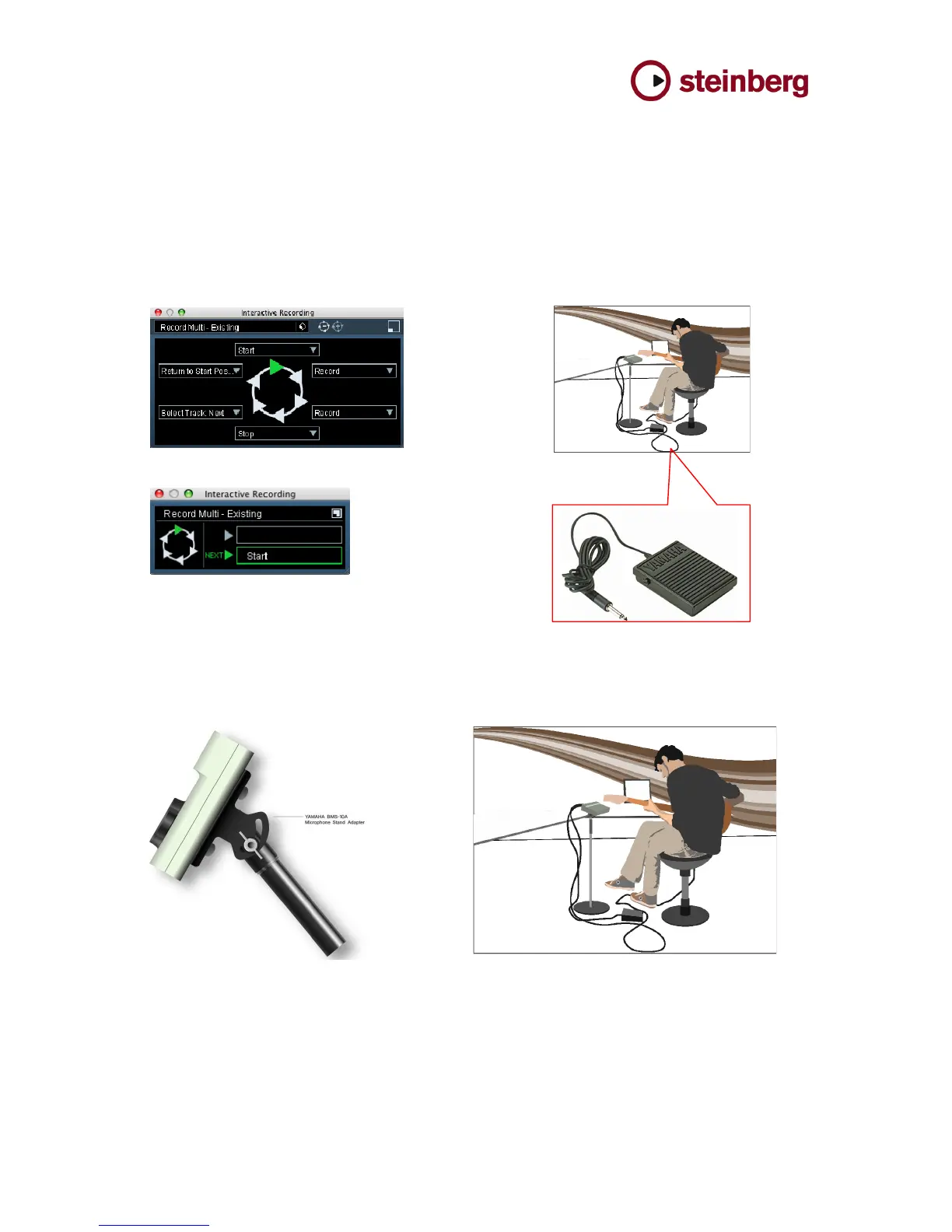
The Interactive Recording functionality allows a sequence of up to six transport functions. This
sequence can be started and operated with the optional footswitch or the Action Pad on the CI2,
letting the user control Cubase AI 5 hands free while playing an instrument and simultaneously getting
a visual feedback from the Action panel in Cubase. The sequences can either be chosen from a list of
templates or be customized by the user. The Interactive Recording function provides full freedom of
movement, doing away with mouse operation in specific situations and, more importantly, helps to
maintain the creative flow. The user can operate this functionality by the Action Pad or with the
optional footswitch Yamaha FC5.
!
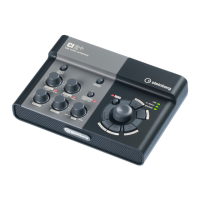
The optional mic stand adapter BMS-10A lets the user attach the CI2 to a microphone stand and
adjust it to the position that suits him or her best.



 To Next Page