MIDEX-8
English – 21
ENGLISH
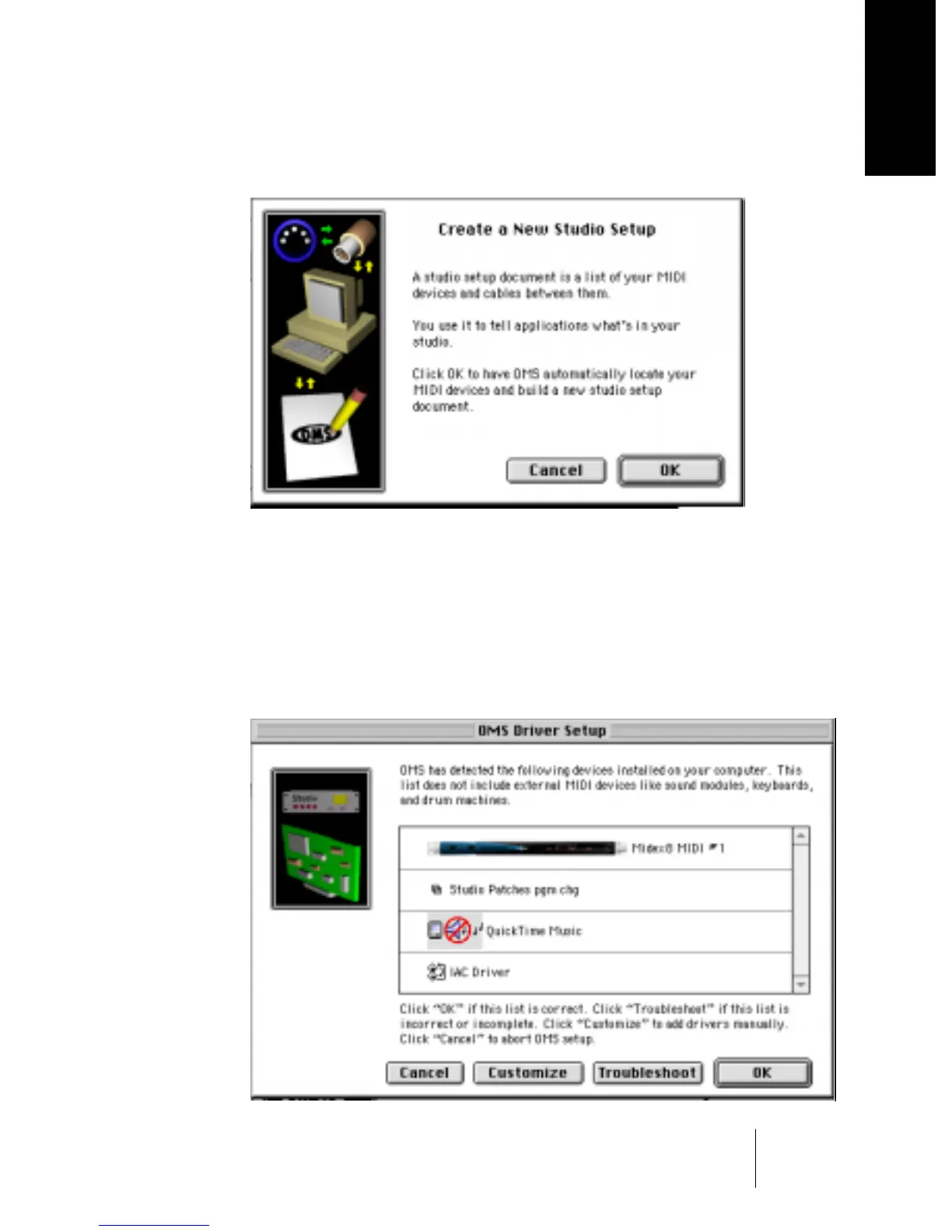
2. In the File menu, select “New Studio Setup” to let OMS search for all con-
nected MIDI interfaces.
The following dialog appears.
3. Confirm by clicking “OK” in this dialog. In the following dialog click
“Search”.
The program will now automatically search for usable MIDI drivers and the cor-
responding devices connected to your computer. One of these – maybe the
only one currently – is the MIDEX-8 interface. If the search result resembles the
one depicted below and if the MIDEX-8 has been recognized, you can confirm
the successful search by clicking “OK”.


 To Next Page