MIDEX-8
English – 13
ENGLISH
Software Installation – PC
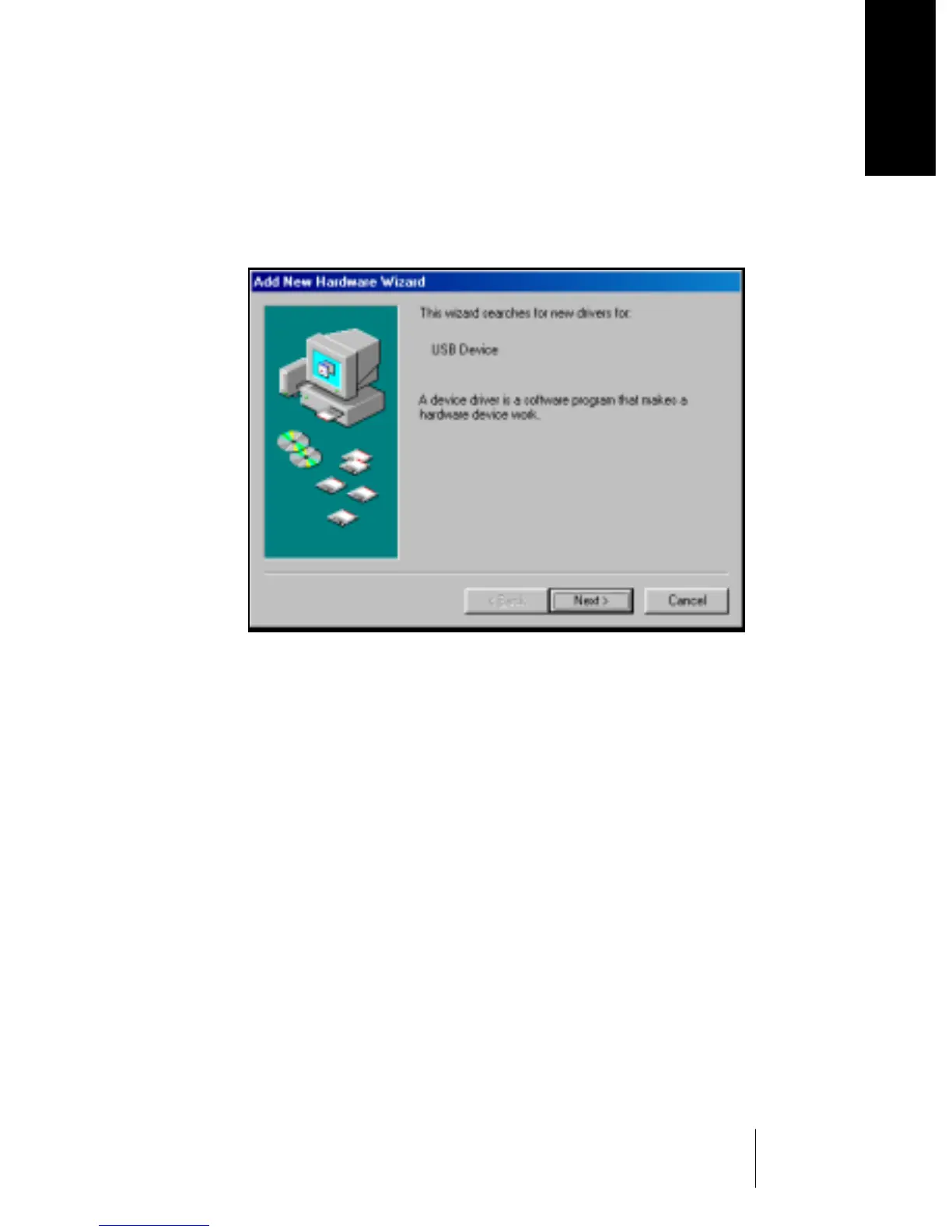
Once you have connected the MIDEX-8 to your computer, Windows
recognizes that a new USB device has been connected and automati-
cally starts the “Add New Hardware Wizard”.
The “Add New Hardware Wizard”
1. Click on the “Next” button.
Determine the method that the Wizard should use to find the drivers.
2. Activate “Find the best driver for the device” and click the “Next” button.
Determine where the Wizard should search for the drivers.


 To Next Page