MIDEX-8
English – 20
Setting up OMS
You must now make the necessary settings in the “OMS Setup” program
to make sure that OMS properly recognizes MIDEX-8 and that its MIDI
ports are made available to the system.
The “OMS Setup” program is located in the “OMS Applications” folder
which can be found in the “Opcode” folder on your hard disk.
1. Start the “OMS Setup” program by double clicking its icon.
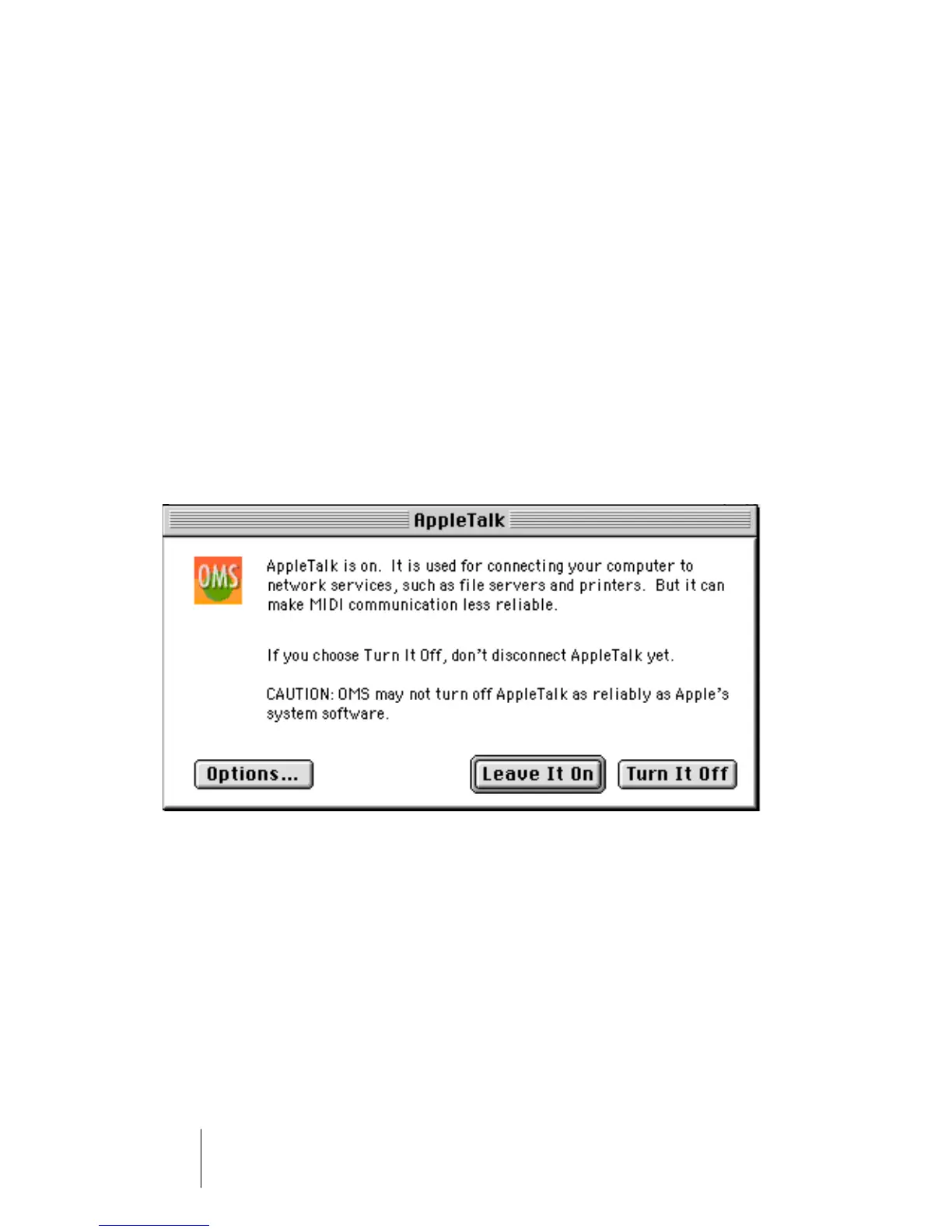
If AppleTalk is active, you will be asked whether you wish to turn it off. If your
computer is not connected to a local area network anyway, you should defi-
nitely click the “Turn it off” switch. But even if you are connected to a network,
you should still disconnect it, as a running network connection will always con-
sume computer power which you could better use for your sequencer, espe-
cially if you work with many audio tracks.
The OMS AppleTalk dialog


 To Next Page