22
Smart Remote app
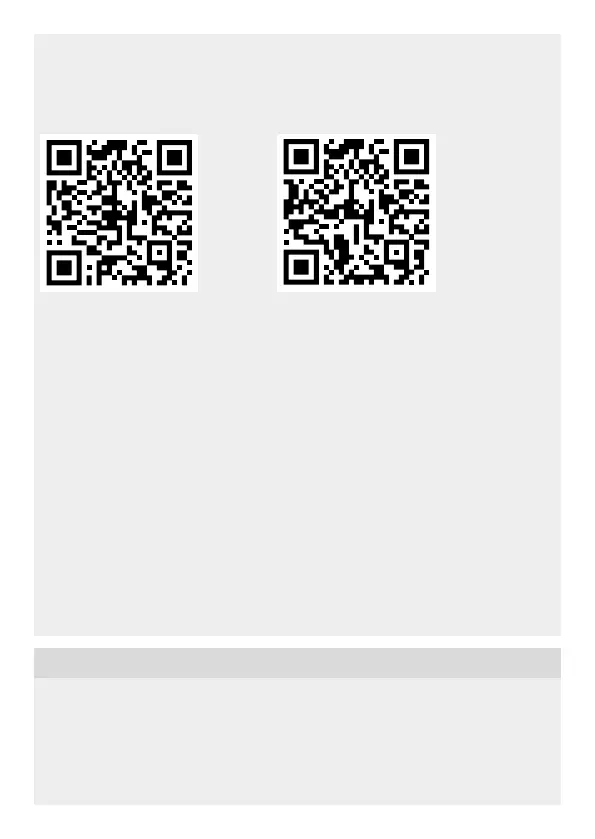
To configure the light via smartphone or tablet, you must download the STEINEL
Smart Remote app from your app store. You will need a Bluetooth-capable smart-
phone or tablet.
Android iOS
The following functions can be set via Smart Remote app:
– Time setting
– Twilight setting
– ON and OFF times
– Automatic/manual control, depending on situation
– Interconnection
– Grouping
– Naming groups and lights
Note:
After the light switches OFF, it takes approx. 1 second before it is able to start detecting
movement again. The light will only switch ON in response to movement once this
period has elapsed. The Spot Connect has an internal clock for time-based activation
and deactivation. This automatically synchronises with the clock of the connected
smartphone via the Smart Remote app each time a Bluetooth connection is established.
To ensure correct function following an interruption in the light's power supply, it must be
re-connected via the Smart Remote app. The internal clock is re-synchronised with the
smartphone clock.
7. Light tilting/swivelling range / Changing lamp
Light swivelling/tilting range (Fig. 7.1/7.2)
Changing lamp
• Undo glass cover and detach from light enclosure. (Fig.7.3)
• Disconnect and remove lamp. (Fig. 7.4)
• Insert new lamp and twist to engage. (Fig. 7.5)
• Fit glass cover and turn to engage. (Fig. 7.6)


 To Next Page