EasyManua.ls Logo

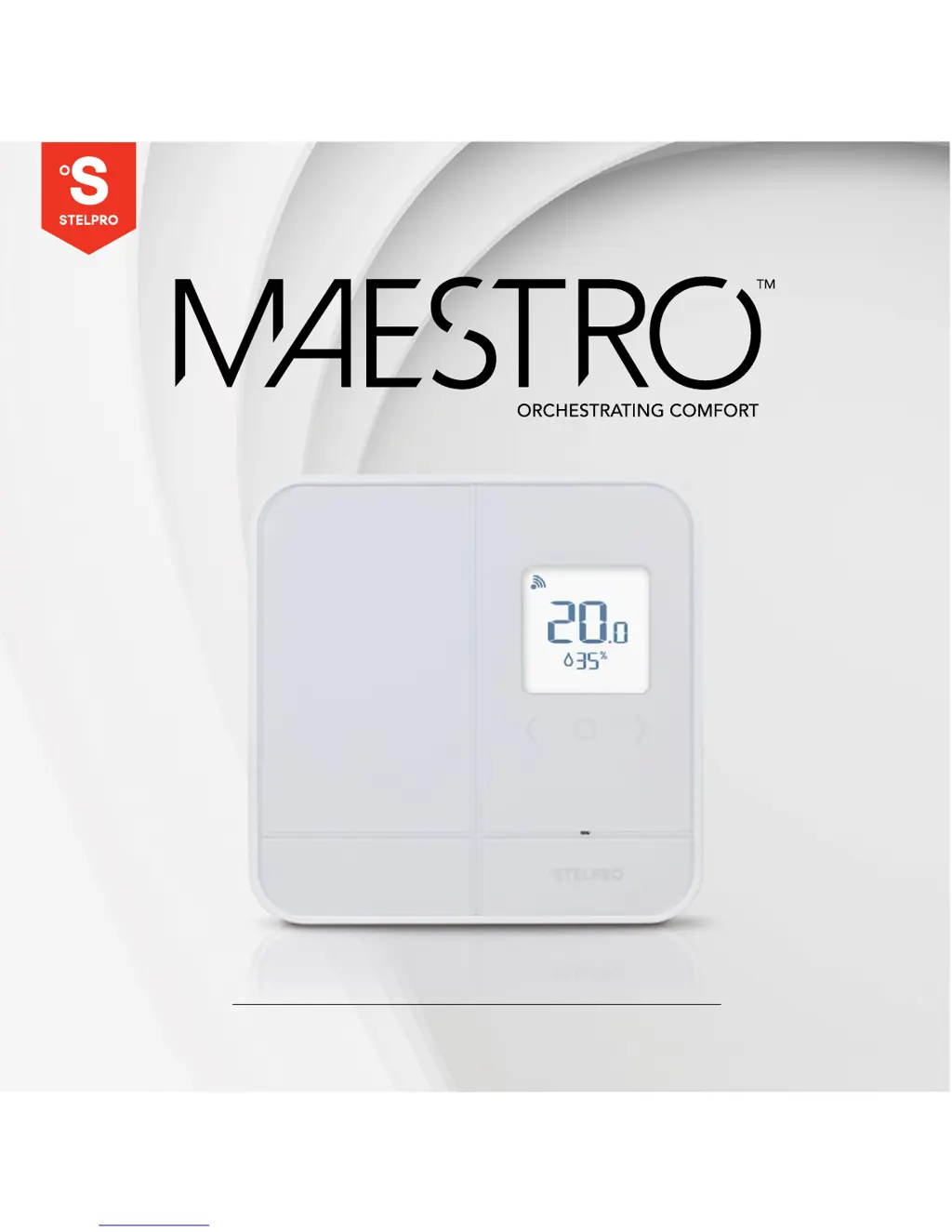
Stelpro Maestro SMT402 - User Manual

Stelpro Maestro SMT402
26 pages
Print Icon
To Next Page IconTo Next Page
Loading...
- 1 -- 1 -
USER GUIDE
SMART THERMOSTAT
Model: SMT402
INS-SMT402-EN-040618

Table of Contents

Questions and Answers

Summary

Warning

Installing the Maestro Thermostat

Cut Off Power Supply

Essential safety step to cut power supply before installation to prevent electric shock.

Remove Existing Thermostat

Instructions on how to remove the old thermostat and disconnect its wires.

Secure the Maestro Thermostat Mounting Plate

Details on attaching the mounting plate to the electrical box securely and straight.

Connect the Wires

Guidance on connecting the thermostat wires using supplied caps and ensuring secure connections.

Secure the Thermostat on the Mounting Plate

Steps to align and attach the thermostat securely to the mounting plate, avoiding wire pinching.

Turn Power Back On

Instructions on restoring power and checking if the thermostat turns on correctly.

Using the Thermostat

Resetting the Thermostat

Steps to reset the thermostat to its default factory settings.

Thermostat Troubleshooting

Warranty

Stelpro Maestro SMT402 Specifications

General IconGeneral
Control TypeElectronic
DisplayLCD
Wi-Fi ConnectivityNo
Mobile AppNo
Temperature Range5°C to 30°C (41°F to 86°F)
CompatibilityElectric Baseboards, Convectors, Fan-forced Heaters
Voltage120/240V
Wattage4000 W @ 240 V, 2000 W @ 120 V
Amperage16.67A
Programmability7-day programming
Accuracy±0.5°C
MountingWall
Dimensions4.5 x 4.5 x 1.1 inches
Weight0.5 lbs
CertificationscULus

Related product manuals