SWM 5000
16
4. Connection with smartphone
To connect the SWM 5000 to your smartphone, please follow the steps
below:
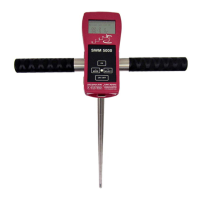
1. Switch on the SWM 5000 basic unit, "Bluetooth OFF" appears
on the display
2. Call the app "SWM Companion" (if not already installed on the
phone, please download the app for free from the App Store or
Google Play)
3. Turn on the Bluetooth feature on your smartphone
4. ATTENTION: If the smartphone shows available devices, ignore
the connection to "SWM 5000", DO NOT open !!!
5. Start the app and hold the smartphone close to the SWM 5000
basic unit
6. After successful connection (a few seconds), the display of the
SWM 5000 basic unit shows "Bluetooth ON".


 To Next Page