SWM 5000
17
5. Operation
5.1. Mobile measurement of soil moisture
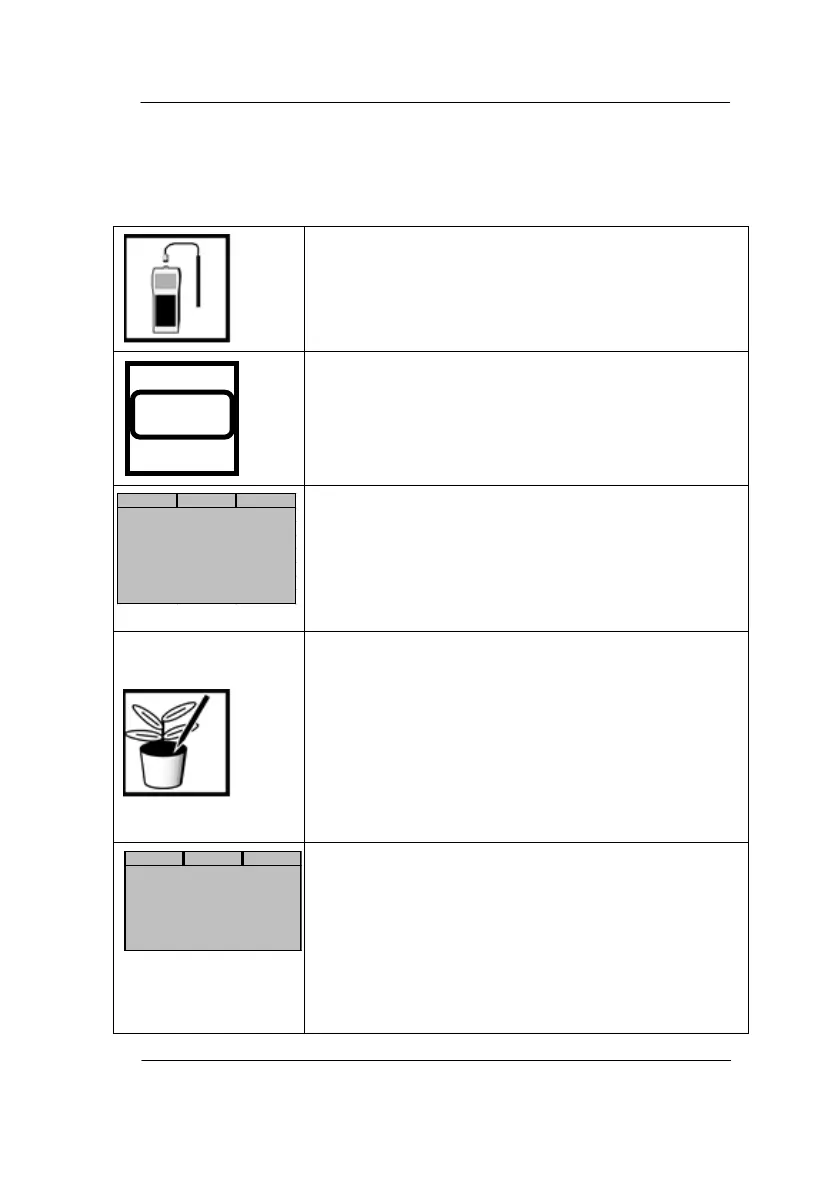
Connect the SWP 5000-1 probe to the 5-pin socket
on the underside of the unit and tighten the bayonet
catch.
Switch on the instrument.
After 3s, the display shows the waiting position.
Depending on the current setting:
Select manual measurement (MODE 3:
DATALOGGER off), set to time or continuous
operation (MODE 7)
Insert the probe SWP 5000-1 into the (soft) soil. By
markings on the probe, the insertion depth can be
read in 10 cm steps. For harder soils, pre-drill the
soil with an auger, if necessary.
ATTENTION: The sensor on the tip of the probe
must be firmly enclosed in the soil, therefore pierce
the sensor straight, avoid tilting, pulling or rotating
movements before and during the measurement (air
gap formation!).
Start measuring with OK key. After approx. 2s, the
measurement result is displayed. Pressing OK again
will save the result in the data logger and the
instrument will wait for a new measurement
(continuous operation) or automatically switch off
after 30s (time operation).
For measurements without a probe or with a defect
one, the two result lines show ----% and ---- ° C.


 To Next Page