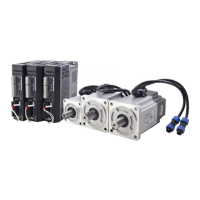
Quick Start of T6 AC Servo
Performance adjustment—Tuning the inertia ratio(Pr0.04)
It is very important to find the ratio of inertia for one axis, in order to make best performance before
setting other parameter (for example, setting PID of position loop or velocity loop).
Connect motor with load if you need to test one axis.
Make sure the axis can be moved in safe distance, any interference should be avoided to ensure
safety and accuracy of testing.
Inertia ratio identification
Pre-conditions:
1. Servo disable.
2. Positive limit and negative limit invalid
Steps:
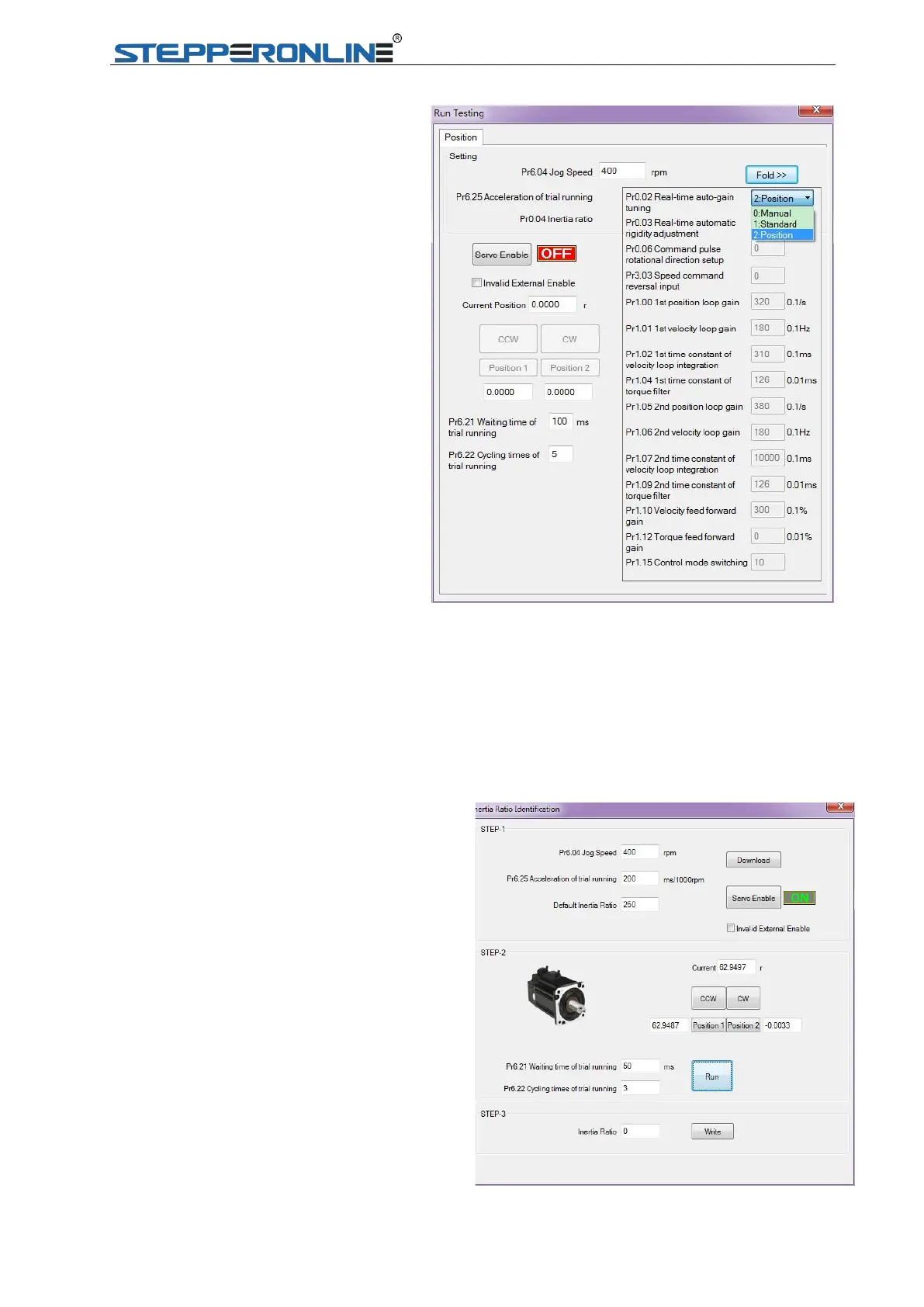
1 Set the Jog speed Pr6.04, and the setting should not
be too large(300~1000rpm is recommend)
Set the Acc Pr6.25 (50~100 ms/1000rpm is recommend)
Set the Default Inertia Ratio.
Download these settings, then Servo Enable.
2. Click “CCW” to make motor run to CCW direction,
click “Position 1” to save the position limit 1
Click “CW” to make motor run to CW direction,click
“Position 2” to save the position limit 2
Click “Run” to start Inertia ratio dentification.
3. After finishing,Click“Write”to save the Inertia ratio
identification result into NVM.
In Manual mode(Pr0.02=0), Kp, Ki and
other parameters can be set manually.
Pr003 is unavailable now .
About how to tune position loop, Ki can be
adjusted to a very small value in advance
and hold it constant, then enlarge the
value of Kp parameter slowly until system
oscillation occurs, at this moment enlarge
the value of Vi parameter slowly until
system oscillation occurs, at this moment
the basic adjustment of system is finished.
In Standard mode (Pr0.02=1), it is usually
for interpolation movement. It is
unavailable to modify the value of Pr1.00-
1.14, just change the value of Pr0.03 , then
all values of Pr1.00-1.14 will be changed at
the same time .
In Positioning mode(Pr0.02=2), it is
usually for point to point movement. It is
unavailable to modify the value of Pr1.00-
1.14, just change the value of Pr0.03, then
all values of Pr1.00-1.14 will be changed at
the same time.


 To Next Page
 Loading...