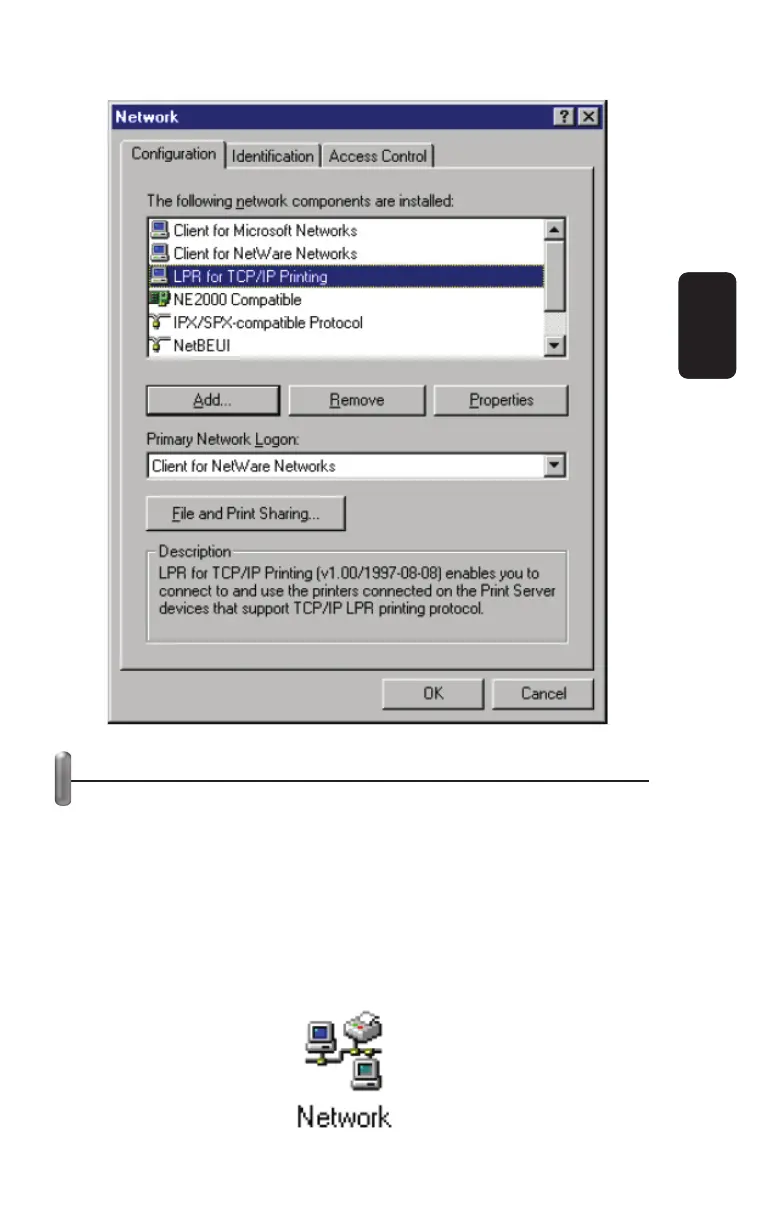
ADDING LPR PRINTER PORTS
Once you have installed the client, and have enabled TCP/IP
printing for the Print Servers, then you need to add a printer port
for each printer you will be printing to using the lpr/lpd protocol.
To add a printer port:
1. From the Start menu, choose the Settings submenu, then the
Control Panel item within it. Windows will display the Control
Panel folder.
2. Double-click on the Network icon in the Control Panel folder.
ENGLISH
ENGLISH-20



 To Next Page