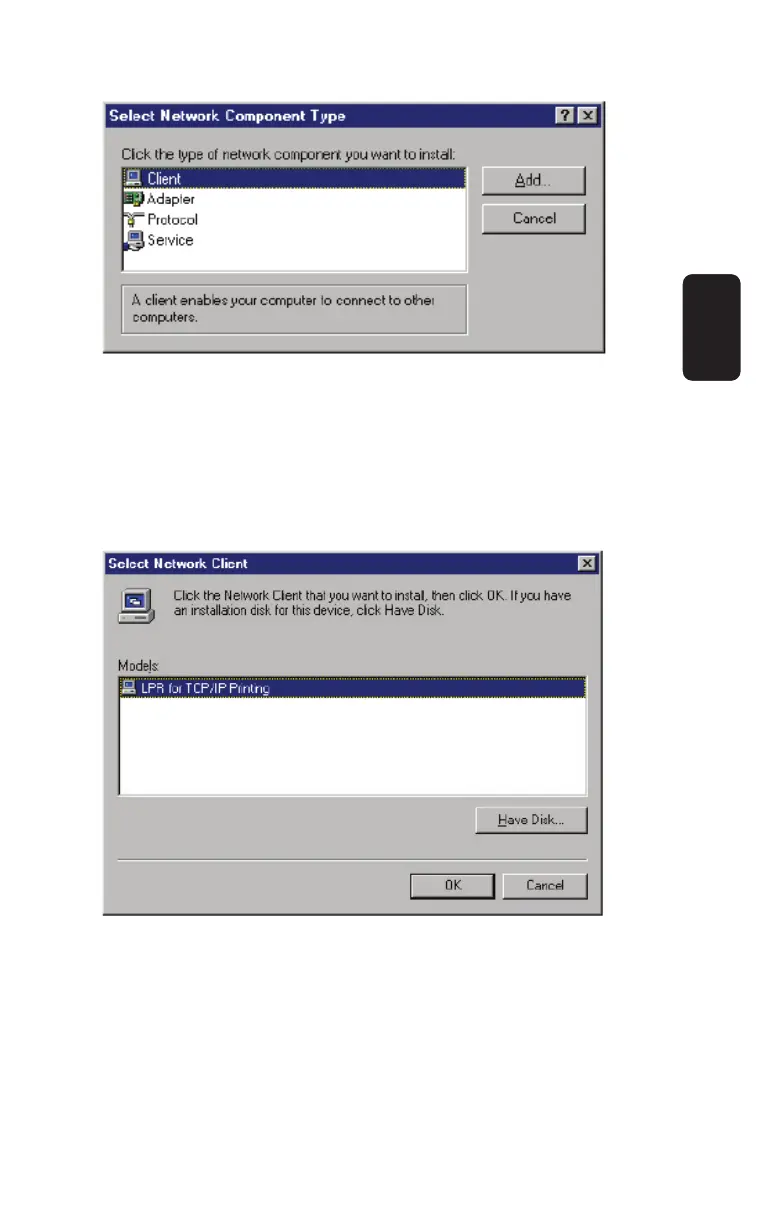
6. When Windows asks you to select a network client, click the
Have Disk... button.
7. Insert the Print Server installation CD in your computer’s
CD-ROM, enter the proper pathname (for example , D:\ lpr), and
click OK.
8. Select the LPR for TCP/IP Printing client and click OK.
9. Windows will copy the necessary fi les, and return to the
Network dialog. Click OK to let Windows restart.
ENGLISH
ENGLISH-19



 To Next Page