SETTING TCP/IP PRINTING SETTINGS
The lpr client’s Properties dialog allows you to change several of
the client’s settings. To change these settings,
1. From the Start menu, choose the Settings submenu, then the
Control Panel item within it. Windows will display the Control
Panel folder.
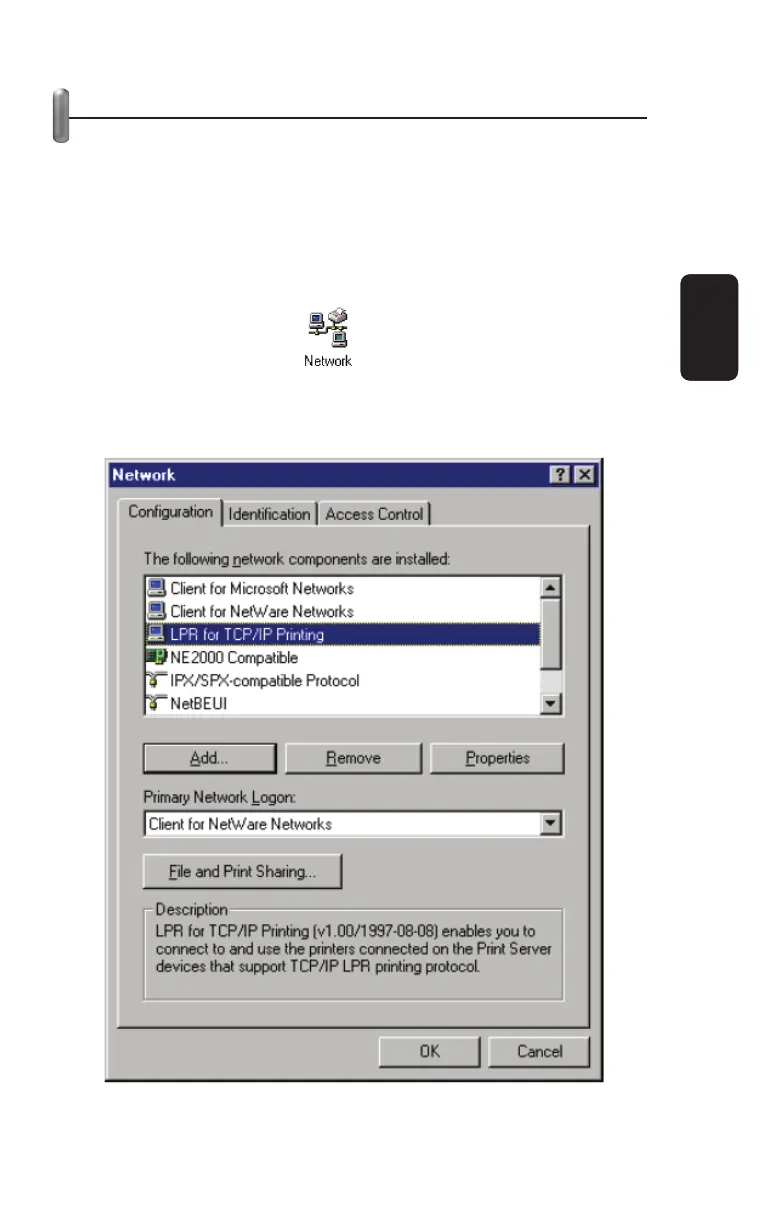
2. Double-click on the Network icon in the Control Panel folder.
3. Choose the LPR for TCP/IP Printing client and click the
Properties button.
ENGLISH
ENGLISH-27



 To Next Page