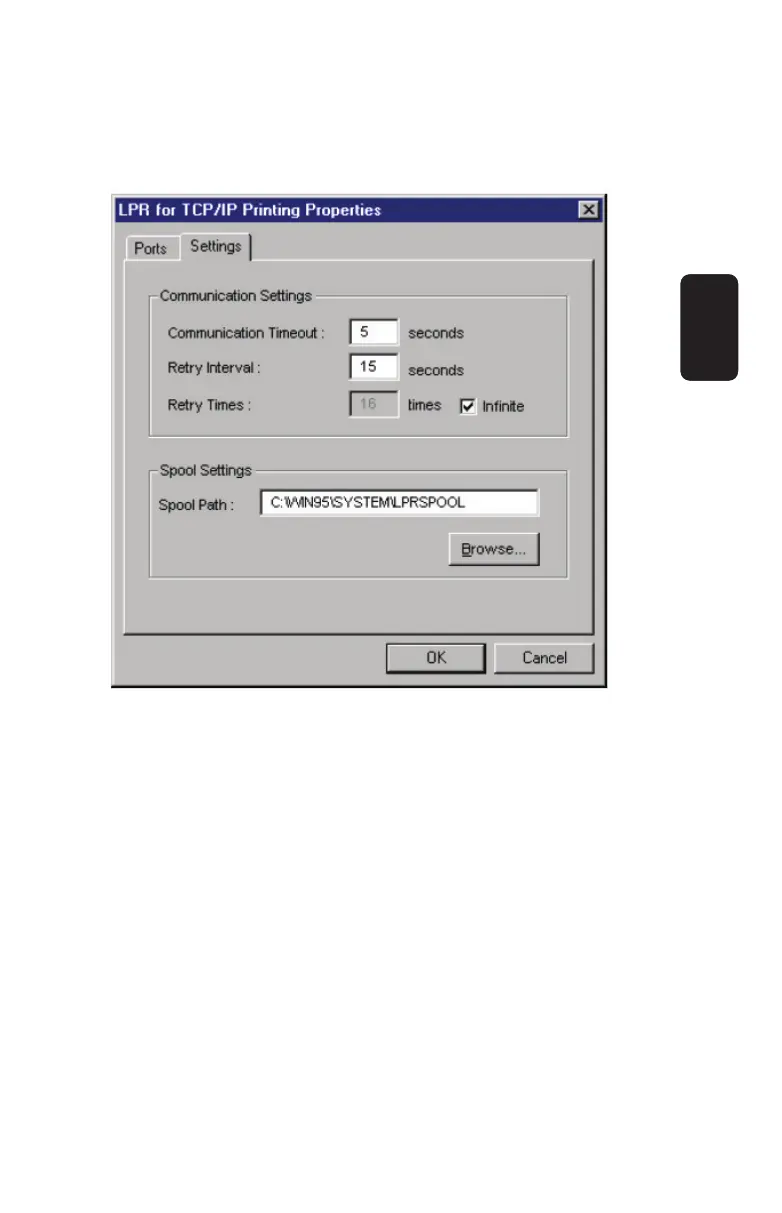
4. Click on the Settings tab to access the lpr client settings.
Change the settings as necessary, and press OK to let the
changes take effect.
The parameters are as follows:
♦ Communication Timeout Determines how long, in
seconds, the system will wait before determining that it
has lost connection with lpr/lpd print servers.
♦ Retry Interval Determines how long, in seconds, the
system will wait before retrying a lost connection.
♦ Retry Times Determines how many times the system
will retry a lost connection with an lpr/lpd print server. If
Infi nite is checked, it will retry indefi nitely.
♦ Spool Path Gives the directory path where the system
will temporarily store lpr/lpd print server job fi les.
ENGLISH
ENGLISH-28



 To Next Page