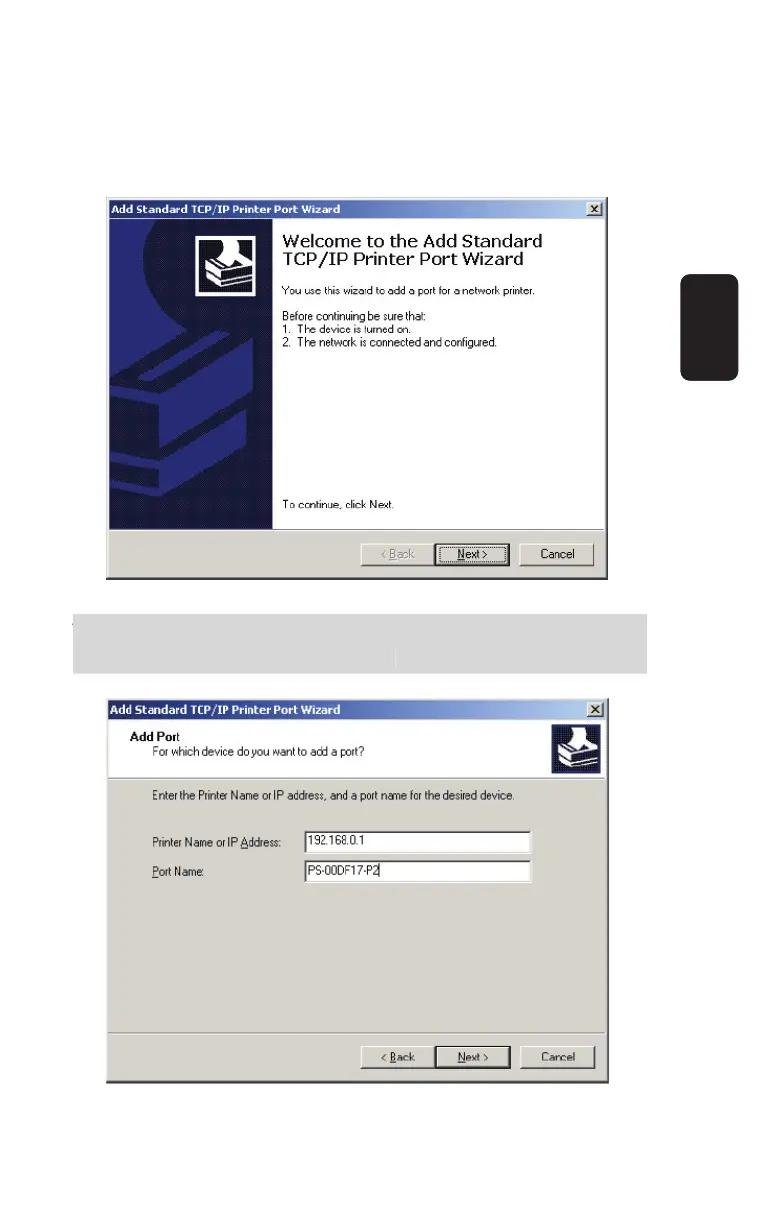
Click “Next”
Input the IP Address of the Print Server, and the Port name of
the Port that will be printed to, then click “Next”.
You can get the Port name from the print server’s system
information through web browser.
ENGLISH
ENGLISH-30
ou can
et the Port name from the print server’s s
stem
nformation throu
h web browser.



 To Next Page