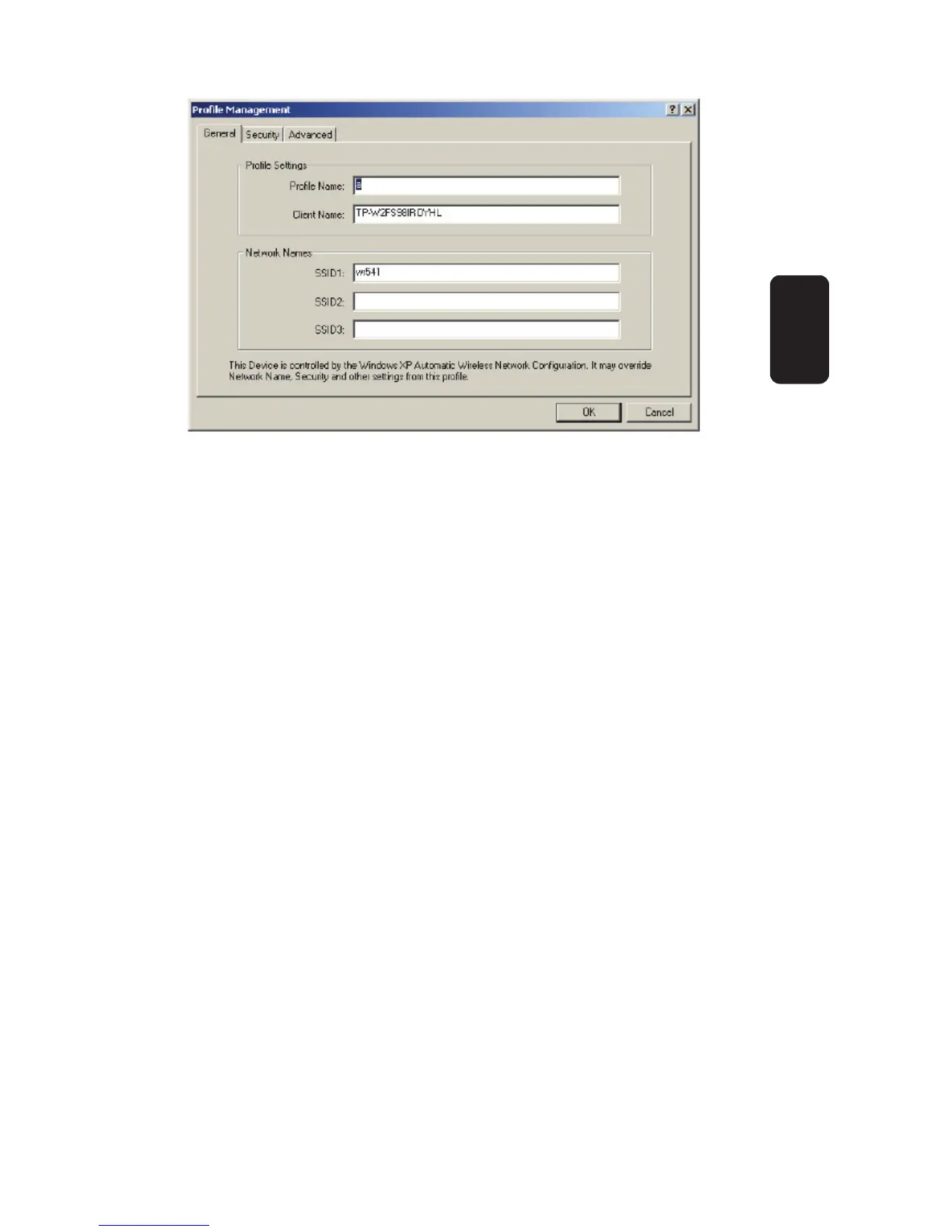
1. Edit the General tab
Profi le Name
Identifi es the confi guration profi le. This name must be
unique. Profi le names are not case sensitive.
Client Name
Identifi es the client machine.
Network Names (SSIDs)
The IEEE 802.11 wireless network name. This fi eld has a
maximum limit of 32 characters.
2. Edit the Security tab
Edit the fi elds in the Security tab of Profi le Management to
confi gure the profi le. To defi ne the security mode, select the
radio button of the desired security mode.
WPA
Wi-Fi Protected Access
WPA Passphrase
Wi-Fi Protected Access Passphrase
•
•
•
•
•
Fig 13
ENGLISH
ENGLISH-12



 To Next Page