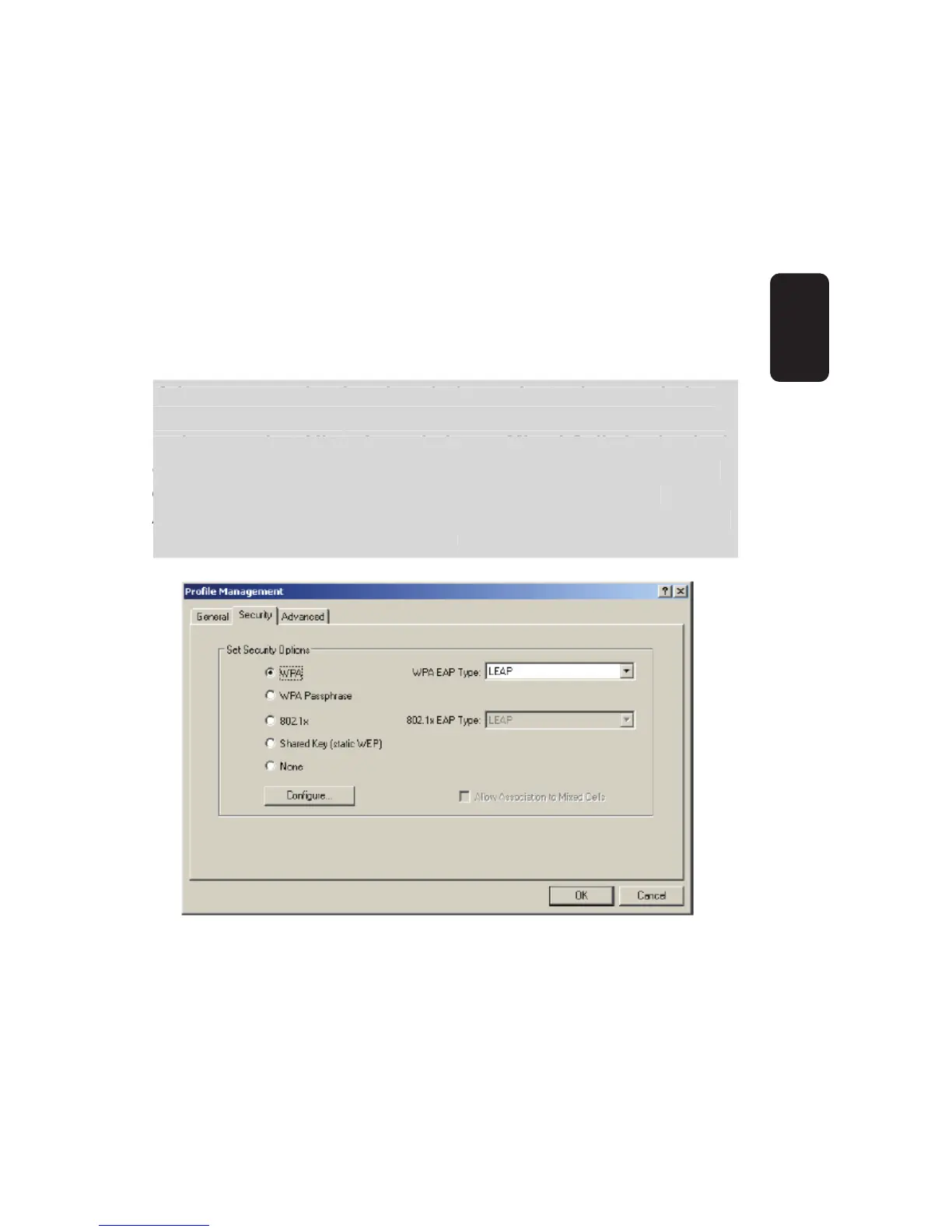
802.1x
Enables 802.1x security.
Shared Key (Static WEP)
Enables the use of shared keys that are defi ned on both the
access point and the station. To defi ne shared encryption
keys, choose the Shared Key radio button and click the
Confi gure button to fi ll in the Defi ne Shared Keys window.
None
No security (not recommended).
If the access point that the wireless adapter is associating
to has WEP set to optional and the client has WEP enabled,
make sure that Allow Association to Mixed Cells is checked
on the Security Tab to allow association. To complete WEP
encryption confi guration, you must select the 802.11
Authentication Mode as appropriate on the Advanced tab of
this Profi le Management dialog.
•
•
•



 To Next Page