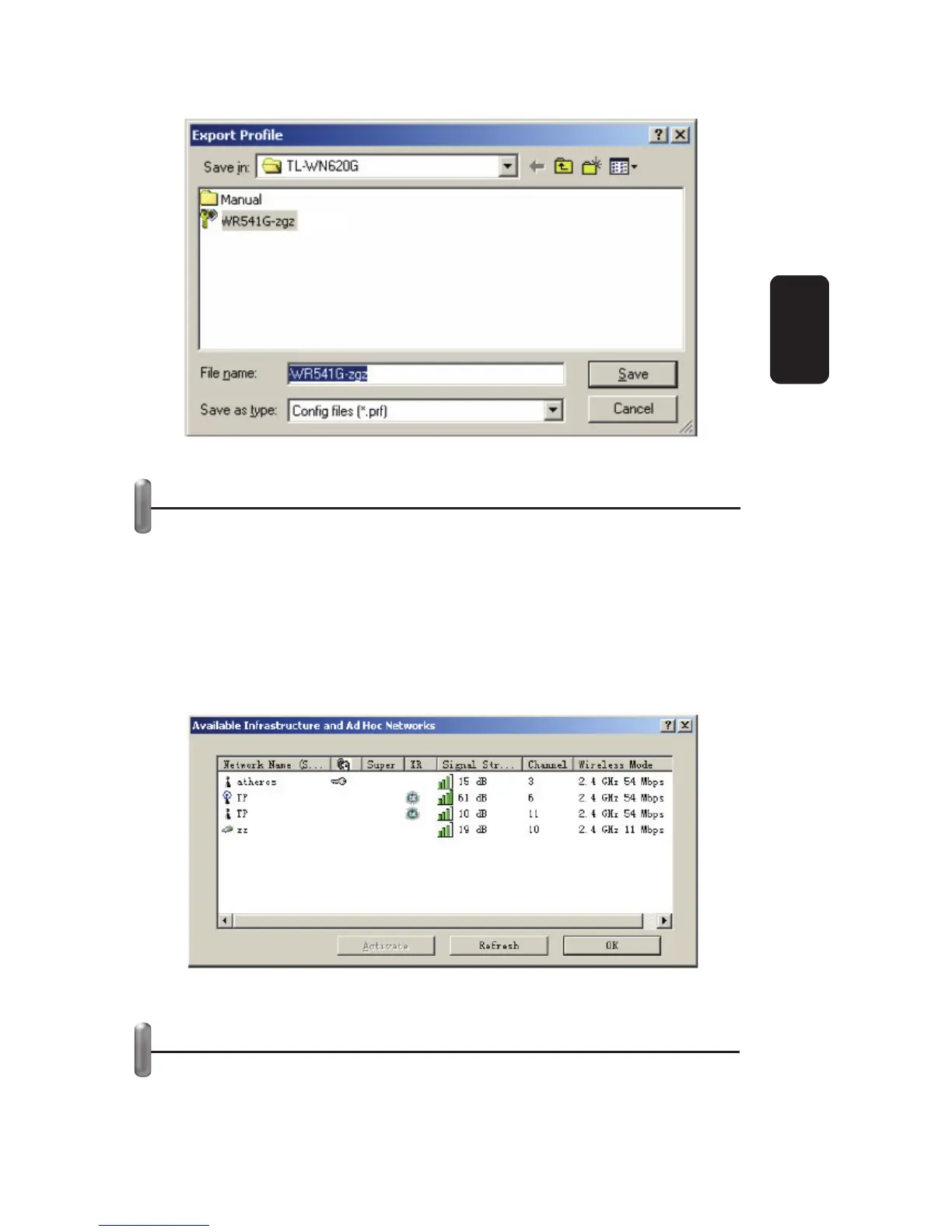
SCAN AVAILABLE NETWORKS
1. Click Scan on Profi le Management, the Available Infrastructure
and Ad Hoc Networks window will appear.
2. Click Refresh to refresh the list at any time.
3. Highlight a network name and click Activate to connect to an
available network. If no confi guration profi le exists for that
network, the Profi le Management window will open the General
tab. Fill in the Profi le name and click OK to create the
confi guration profi le for that network.
AUTO PROFILE SELECTION MANAGEMENT
The auto selection feature allows the wireless adapter to
automatically select a profi le from the list of profi les and use it to
connect to the network. To add a new profi le into the Auto
Fig 18
Fig 19
ENGLISH
ENGLISH-17



 To Next Page