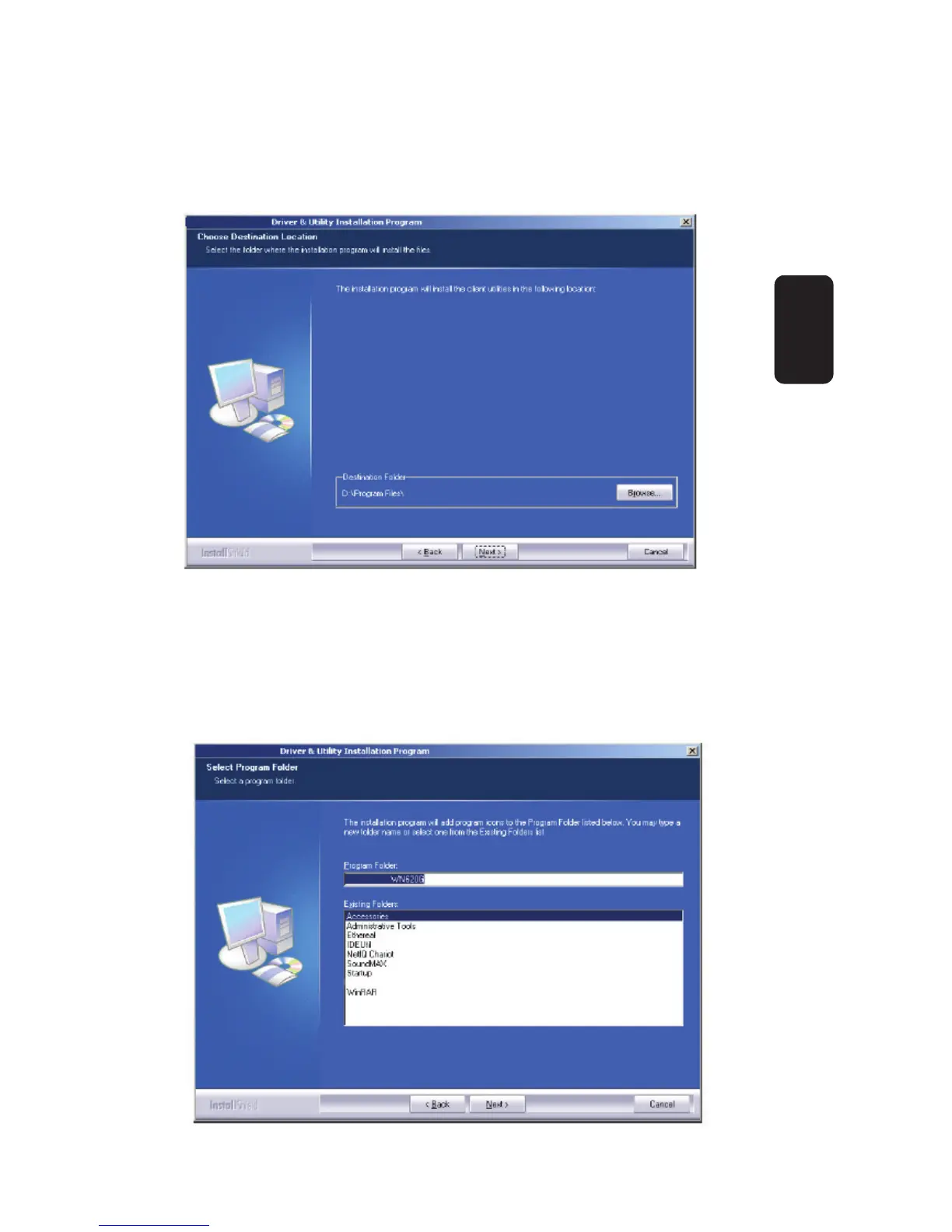
6. Click Browse to change the Destination Location of the
software in fi gure 5. Click Next to continue the Installation. Click
Back to return to the previous page, or click Cancel to end the
Installation.
7. The Setup Wizard will ask you to create a new folder or select
one from the Existing Folders list shown in fi gure 6. It is
recommended that you keep the default value. Click Next to
continue the Installation. Click Back to return to the previous
page, or click Cancel to end the Installation.
Fig 5
Fig 6
ENGLISH
ENGLISH-6



 To Next Page