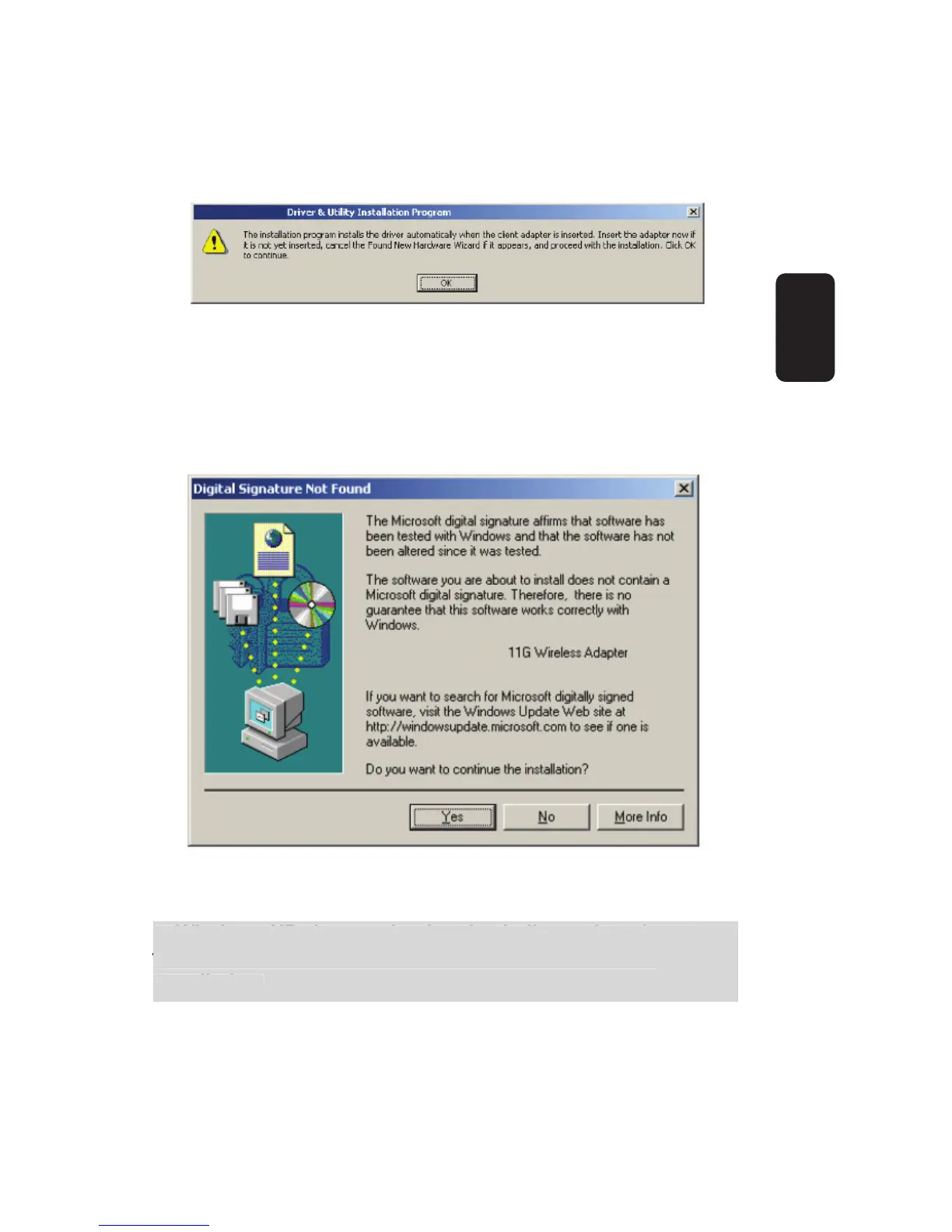
8. The Setup Wizard will notify you of how to proceed with the
installation, shown in fi gure 7. Click OK to continue the
Installation.
9. While fi les are copying, you will see a warning box, shown in
fi gure 8. Please select YES to continue installation. Our
drivers have been tested thoroughly, and are able to work with
the operating system.
In Windows XP, the warning box is similar to that shown
fi gure 9, Please select Continue Anyway to continue
installation.



 To Next Page