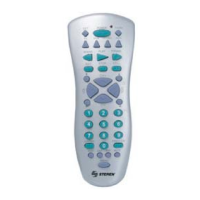
4
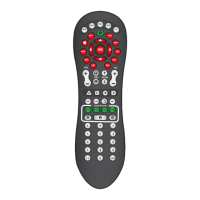
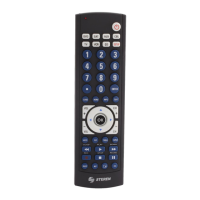
When the programming step is nished, only press the button of the
device that you want to use, for example DVD, SAT, AUX, CBL, TV,
VCR or CD and use the RM-9 in a normal way.
PROGRAMMING
OPERATION
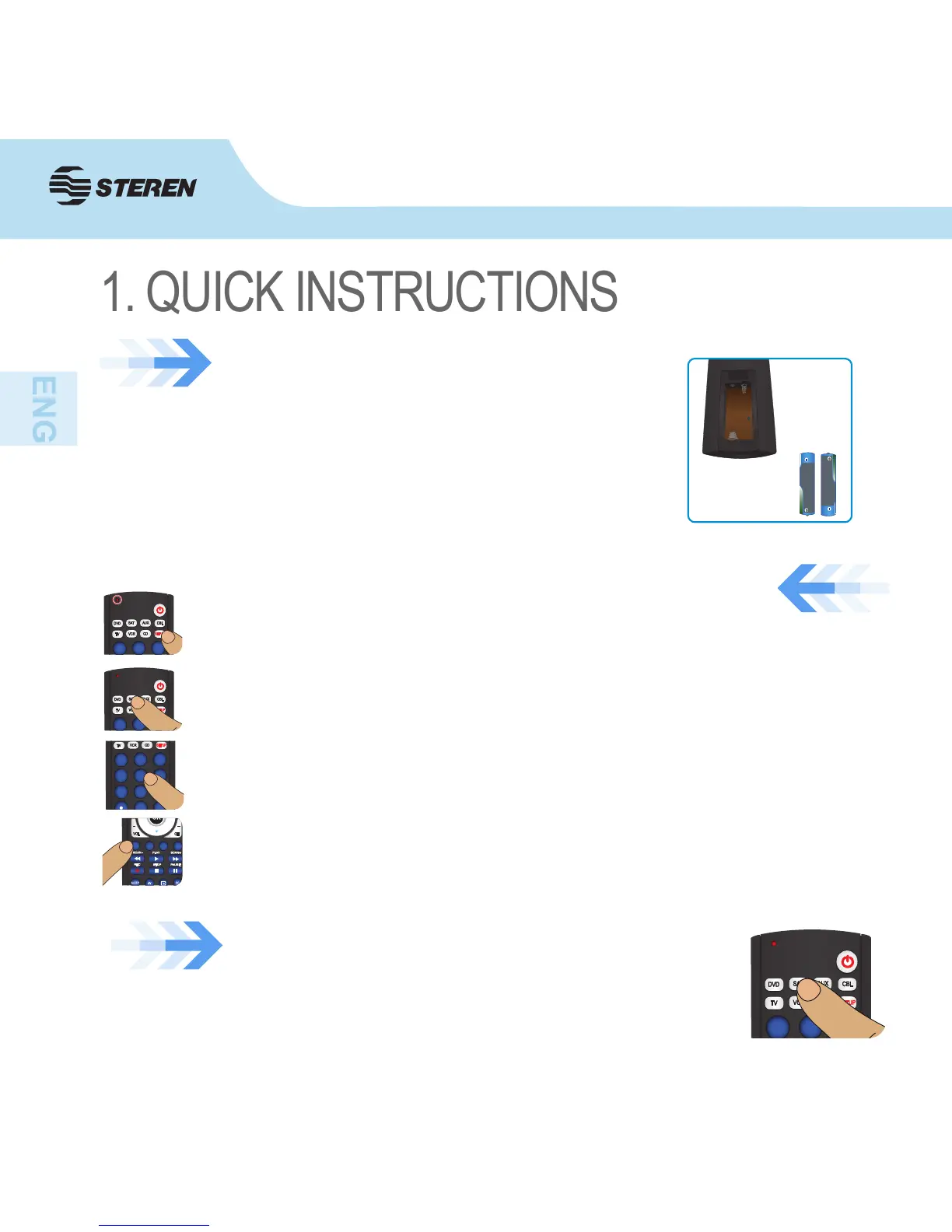
Turn on the device (TV, VCR, etc.) to be controlled. Press and hold the SETUP
button until the LED indicator remains on, then release SETUP button.
Press once the desired mode button (TV, VCR, etc.). The LED indicator blinks
off once.
Press and release the numeric button (0-9) corresponding to desired
manufacturer (see table on code list sheet), the led will turn off.
Press the CH+ button repeatedly to verify that the RM-9 controls your device.
Press and release MUTE to install the code.
Remove the lid of battery compartment which is in the back
of the remote control. Place 2 AAA batteries, pay attention
to polarity
Replace the cover of the battery compartment again.
BATTERY INSTALLATION


 To Next Page