8
3.2 Automatic programming
If your product does not respond after you have tried all the codes for your brand, or if
your brand is not listed, try searching for your code by following these steps.
1. Manually turn on the device (TV, VCR, etc.) to be controlled.
5. Press and release MUTE to install the code.
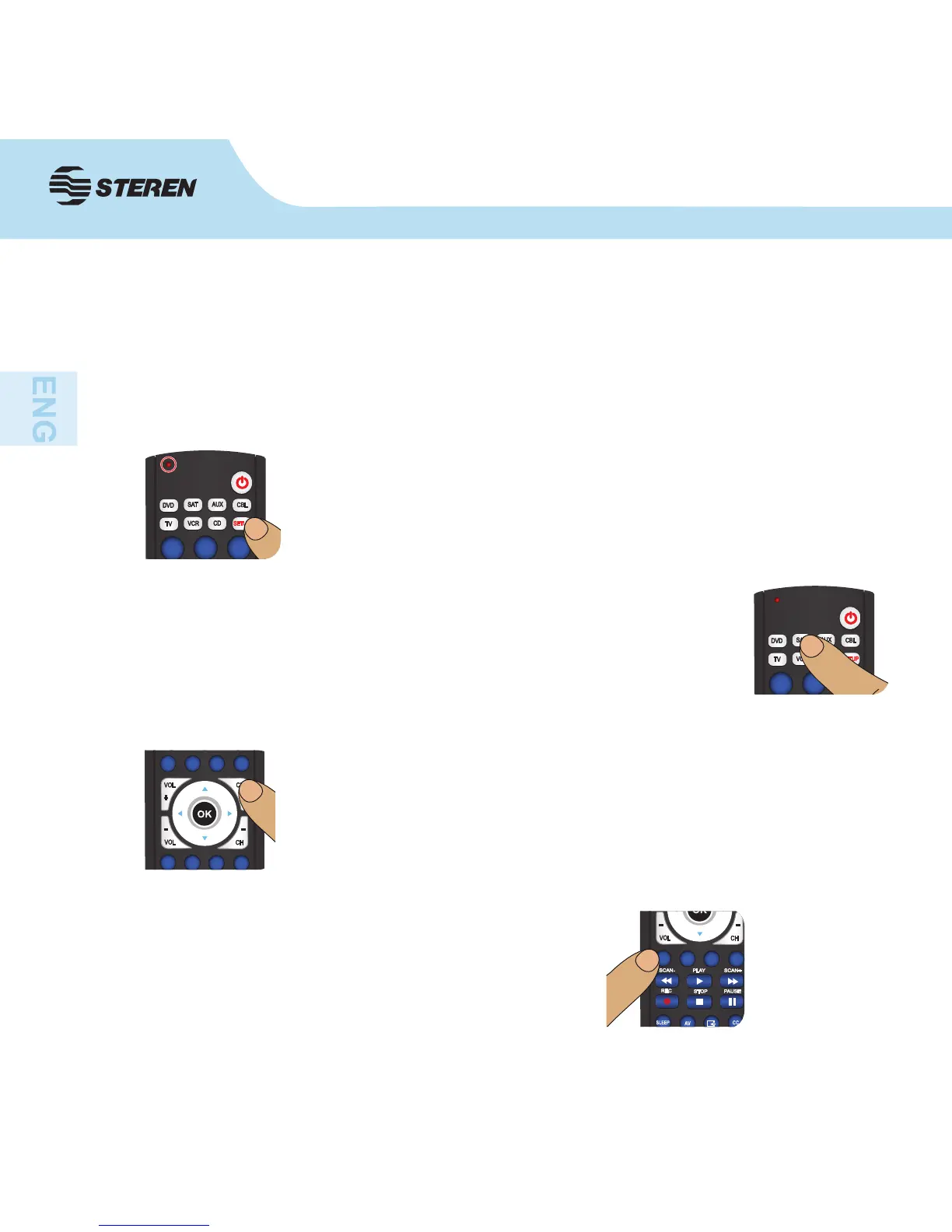
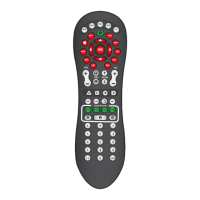
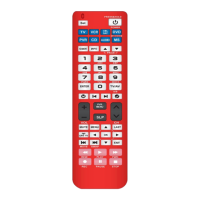
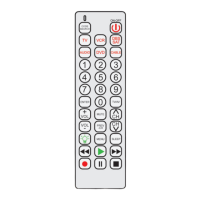
2. Press and hold the SETUP button until the LED indicator stays on,
then release the SETUP button.
4. Press the CH+ button repeatedly (up to 300 times) until the device
to be controlled changes channel. The LED indicator blinks off with
each button press.
If you accidentally overshoot the code required, press the CH- button
to backtrack through the library until the device changes channel.
Pressing CH+ changes direction to forward again.


 To Next Page